Secure Atlassian with Mondoo
Continuously scan your Atlassian Cloud organization, Jira, and Confluence for misconfigurations and security issues.
To connect Atlassian Cloud to Mondoo, you create an Atlassian API key or token and add it to an Atlassian integration in your space.
Atlassian issues two separate API credentials, and neither one works where the other does. Each Mondoo integration therefore scans one of two parts of the tenant:
- Organization covers the organization's domains, managed accounts, and their API tokens. It authenticates with an organization API key.
- Site covers Jira and Confluence on one
*.atlassian.netsite. It authenticates with an Atlassian account's API token.
To scan both the organization and a site, add two integrations. To scan several sites, add one integration for each site.
Before you begin
- Editor or Owner access to the Mondoo space, or another role with permission to add integrations and create credentials. Mondoo stores the Atlassian key or token as a credential, so without credential permissions you can't create the integration. To see every role, read Roles and permissions.
- For an organization integration: an Atlassian organization admin who can create an organization API key
- For a site integration: an Atlassian account with read access to the Jira projects and Confluence spaces you want Mondoo to scan
Create the Atlassian credential
Create the credential that matches what you want to scan.
Organization API key
-
Log in to admin.atlassian.com as an organization admin.
-
Select Settings > API keys and create an API key.
-
Copy the key.
This is the organization key, not an account API token. The two are different credentials.
Site API token
-
Log in to the Atlassian account Mondoo should scan as, and open the API tokens page in your account settings.
-
Create an API token and give it a name that identifies it as Mondoo's.
-
Copy the token.
Mondoo sees what this account can see, so the account needs read access to every Jira project and Confluence space you want scanned. To learn more, read Manage API tokens for your Atlassian account in the Atlassian documentation.
Add an Atlassian integration
In the Mondoo App, navigate to the space where you want to add the integration. In the side navigation bar, select Integrations. In the top right, select INSTALL. On the Install Integration page, find the integration you want by browsing a category or searching by name:
-
Under SaaS Security, select Atlassian.
-
In the Choose an integration name box, enter a name that identifies the organization or site you're scanning.
-
Under Choose what to scan, select Organization or Site.
-
Provide the credential:
- For Organization, paste the organization API key under Provide your organization API key.
- For Site, under Provide your site API token, enter the site URL (such as
https://lunalectric.atlassian.net), the email address of the Atlassian account, and the API token. Then, under Choose the products to scan, select Jira, Confluence, or both. Mondoo reports each product as its own asset, and you must select at least one.
-
(Optional) Under Enable security policies (optional), review the policies that apply to Atlassian. If a policy isn't enabled in the space yet, select ENABLE. A policy you enable here applies to the whole space, not only this integration. To learn how policies work, read Manage Policies.
-
Select CREATE INTEGRATION.
Mondoo stores the key or token as a credential in the space and starts the first scan as soon as the integration is created.
Verify the integration
When you select CREATE INTEGRATION, Mondoo starts the first scan and opens the integration's page. Status shows Active once the scan is queued, and Most Recent Activity lists each scan and any errors it reports.
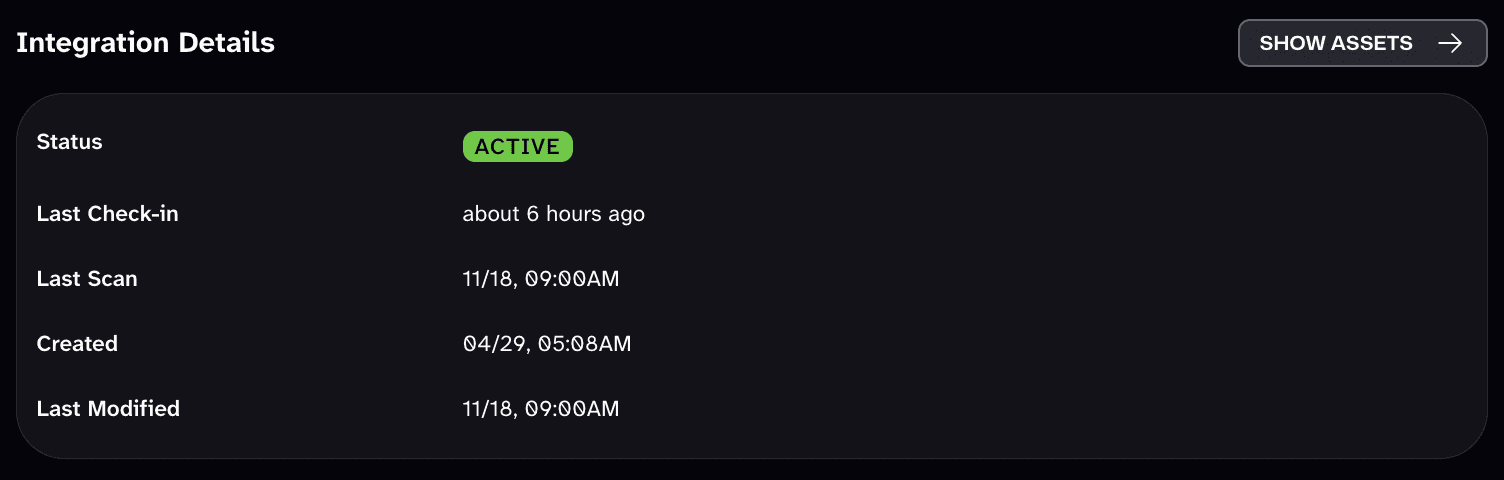
When the scan finishes, an organization integration adds an Atlassian Admin asset to the space, and a site integration adds an Atlassian Jira asset, an Atlassian Confluence asset, or both. To review them, navigate to the space and select Inventory > Assets. To learn what each integration status means, read Integration status and troubleshooting.
Troubleshoot
| Message | Cause | Fix |
|---|---|---|
| Creating an Atlassian integration needs permission to create and read credentials in this space. | Your space role can't create credentials. | Ask a space Owner for the Editor role or the Integrations Manager permission. |
| Atlassian rejected the credential. Check it and try again. | The organization API key is mistyped, revoked, or expired, or it's an account API token rather than an organization key. | Create an organization API key in admin.atlassian.com and try again. |
| Jira rejected the credential. Check it and try again. | The site API token is mistyped, revoked, or expired, or the email address isn't the account that created the token. | Enter the email address of the account that owns the token, or create a new token. |
| Scans are paused at the top of the integration page | The integration's key or token was rejected by Atlassian or has expired. | Create a new key or token and rotate the credential, as described in Manage your integration. |
Manage your integration
To open the integration, navigate to the space, select Integrations > Atlassian, and choose the integration.
To change its settings, select the pencil icon. In the edit form, you can:
- Rename the integration.
- For a site integration, change whether Mondoo scans Jira, Confluence, or both.
- Add or change annotations.
You can't switch an integration between organization and site. Create a second integration instead.
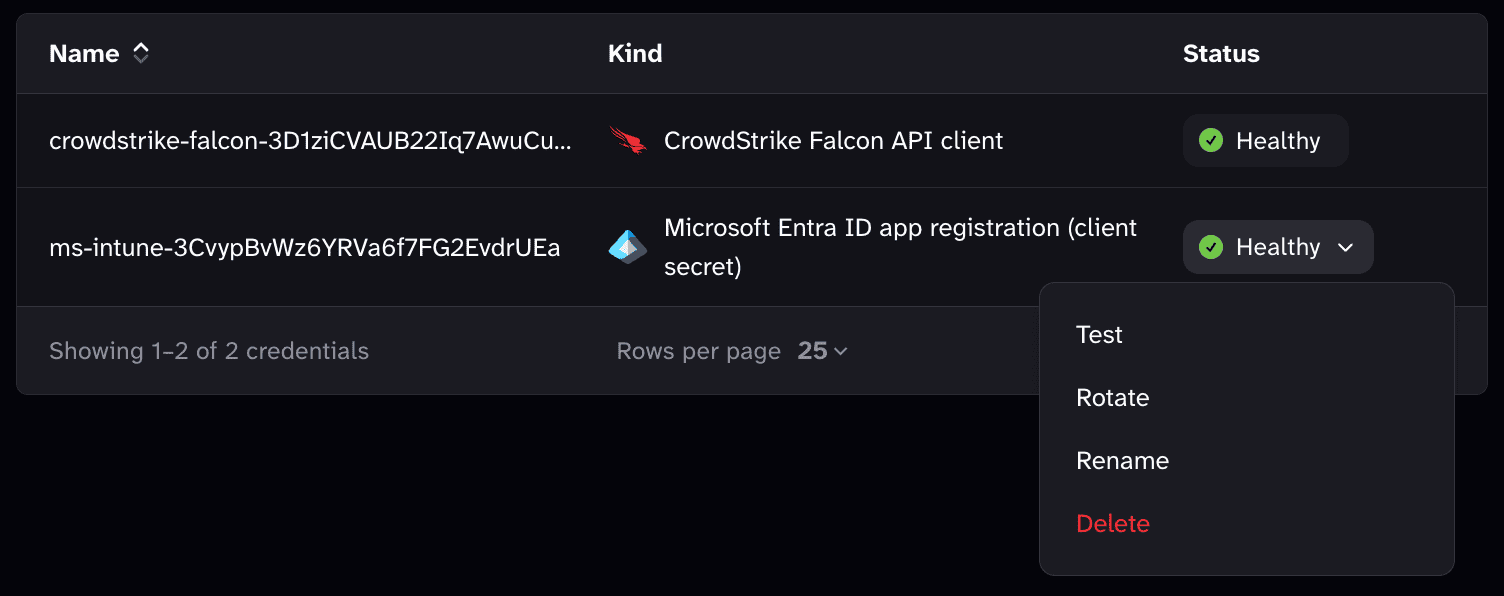
The key or token is managed by a credential, so the edit form doesn't show it. To replace it, for example before it expires, open the space's Settings > Credentials, find the integration's credential, and select Rotate. To learn more, read Manage Integration Credentials.
Scan Atlassian from the command line
The integration scans continuously from the Mondoo Platform. To query Atlassian Cloud from your workstation or a CI pipeline instead, see Query Atlassian Cloud with cnspec.
Next steps
Last updated on
Overview
Continuously scan Atlassian, Azure DevOps, Cloudflare, Databricks, GitHub, GitLab, Google Workspace, Microsoft 365, MongoDB Atlas, NextDNS, Okta, Slack, and Vercel for misconfigurations and security issues.
Azure DevOps
Connect your Azure DevOps organization to Mondoo and scan every repository for code issues, secrets, and vulnerable dependencies, with no pipeline.