Receive Webhook Alerts from Mondoo
Post JSON-encoded security alerts to any HTTP endpoint using Mondoo's custom webhook integration.
If Mondoo doesn't have dedicated support for your messaging platform, you can use a custom webhook integration to receive alerts. Mondoo's webhook integration posts asset alerts as JSON-encoded data to an HTTP endpoint. To learn how to create a webhook, read your messaging platform documentation.
-
In the Mondoo App, navigate to the space for which you want to send alerts.
-
In the side navigation bar, select Integrations, then in the top right select + INSTALL.
-
On the integrations page, scroll to Chat Ops and select Outbound Webhook (or search by name).
-
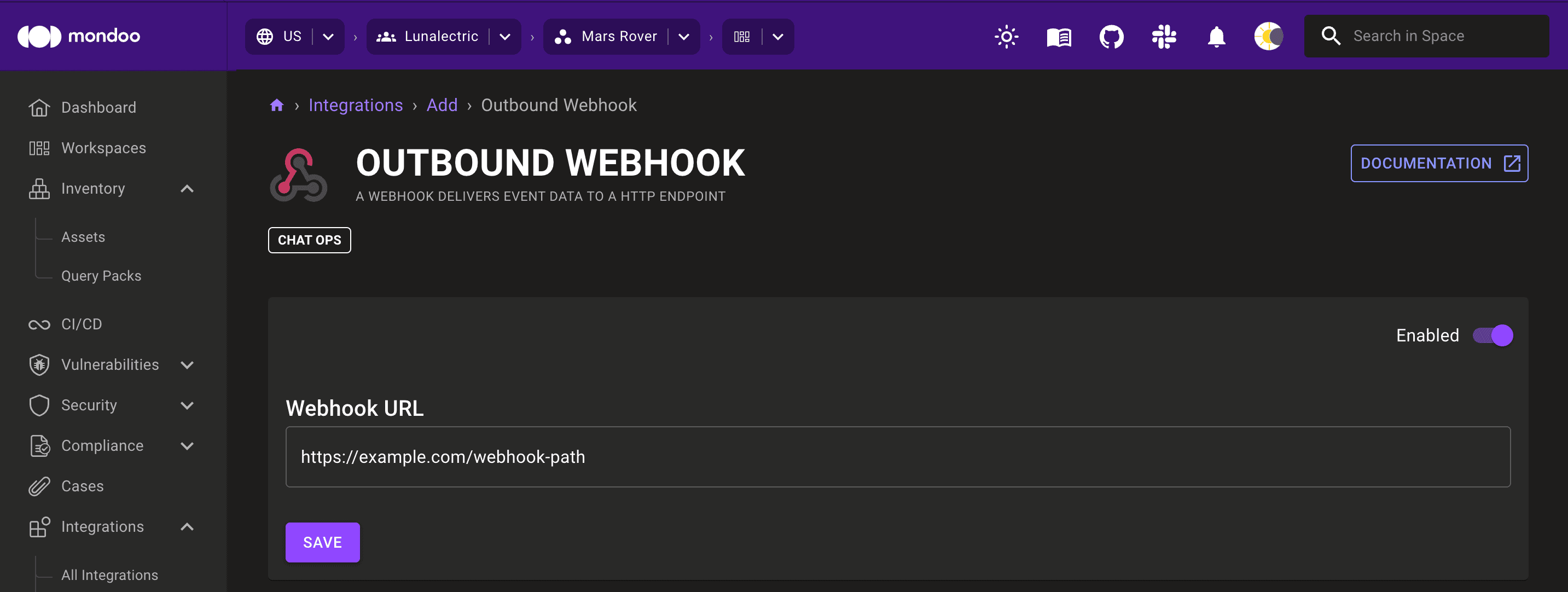
On the right side of the page, set the toggle to Enabled.
-
In the Webhook URL box, paste your messaging platform's HTTP endpoint URL.
-
Select the SAVE button.