Receive Slack Alerts from Mondoo
Set up Slack incoming webhooks to receive risk rating and policy change alerts from your Mondoo spaces.
You can configure Mondoo to send alerts to a Slack channel when an asset's risk rating changes or when a policy is enabled or disabled in the space. Integrate Slack with the Mondoo space from which you want to receive alerts.
Before you set up the integration, you must create an incoming webhook app for Slack.
Create and customize an incoming webhook in Slack
-
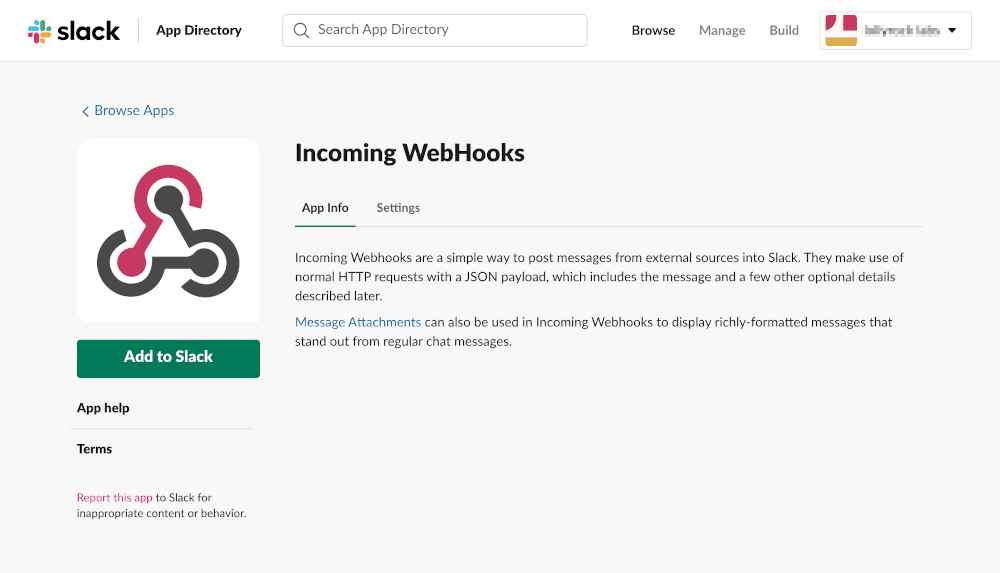
Open the Incoming WebHooks app in your browser and select Add to Slack.
-
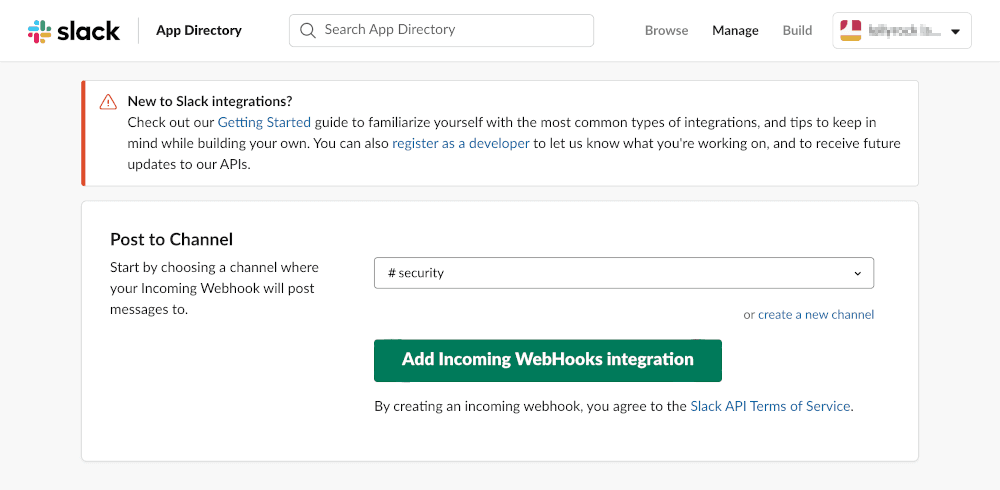
In the Post to Channel configuration, select the name of the Slack channel that you want to send alerts to, and then select Add Incoming WebHooks integration.
-
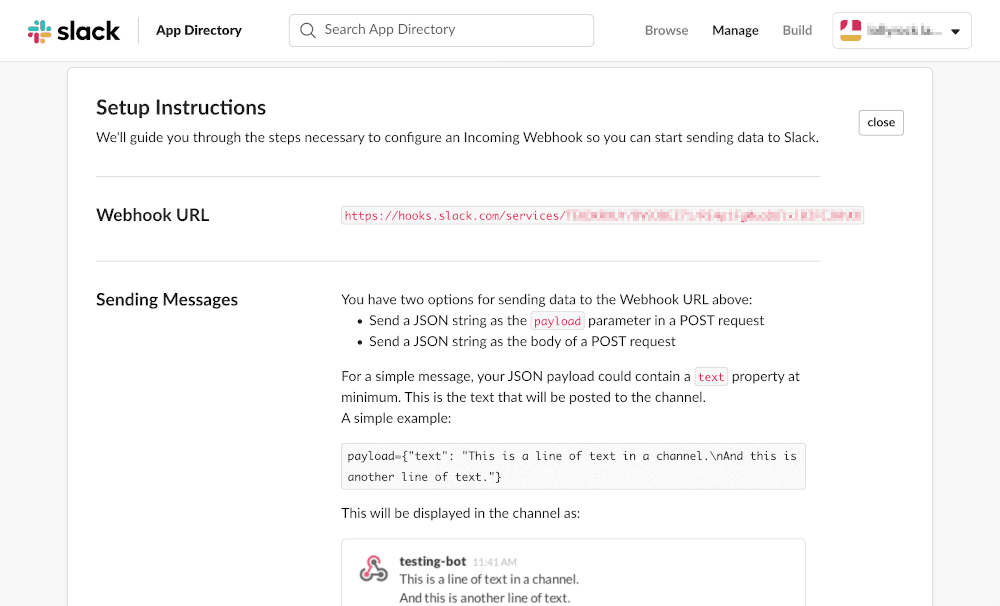
Under Sending Messages, if you want, customize the webhook details, including a descriptive name, label, and icon.
-
Select Save Settings.
Set up the integration with your Mondoo space
-
In the Mondoo App, navigate to the space for which you want to see Slack alerts.
-
In the side navigation bar, select Integrations, then in the top right select Install.
-
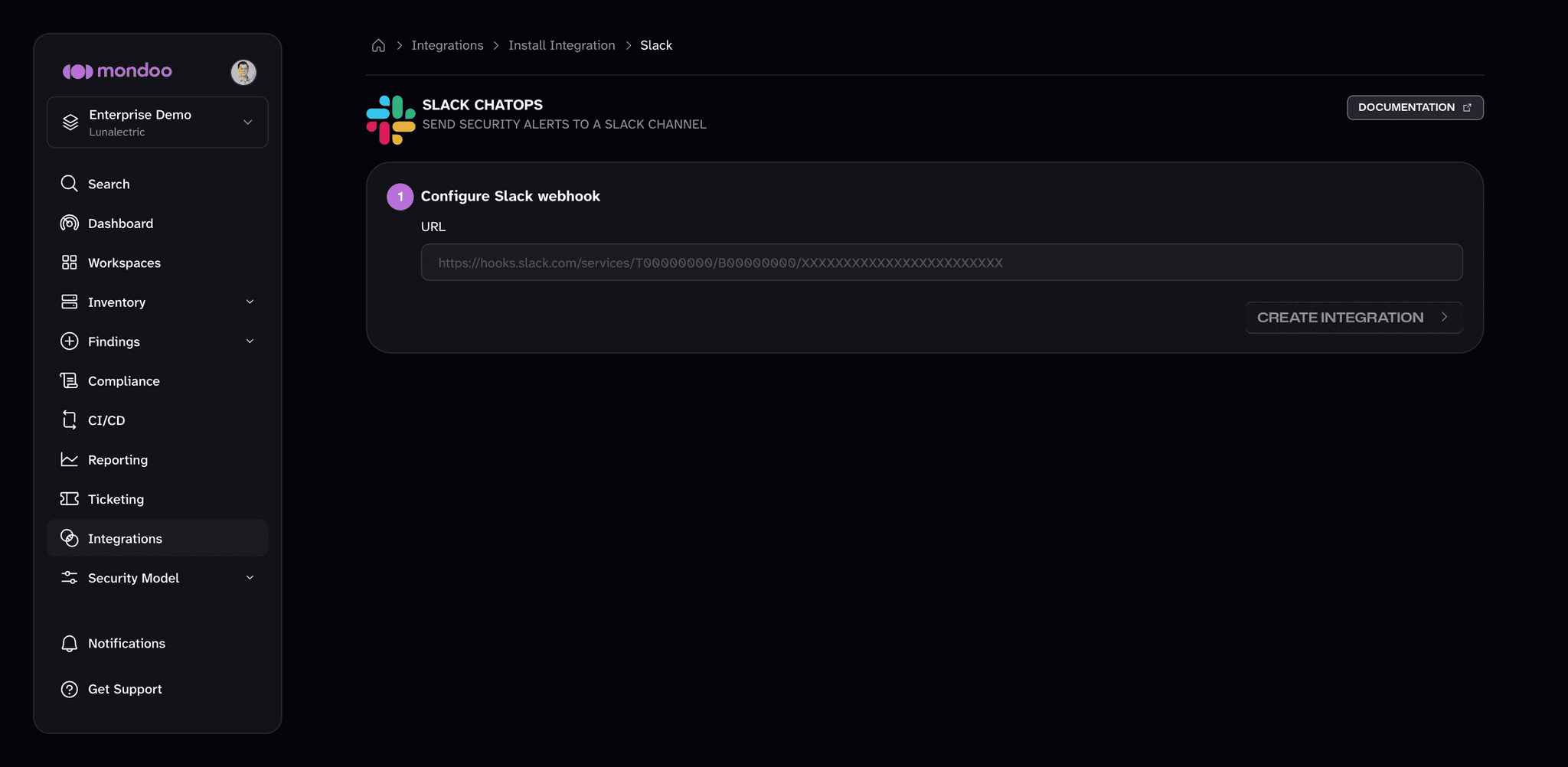
In the Notifications category, select Slack (or search by name). The Slack card under SaaS Security is a different integration that scans your Slack workspace; for alerts, choose the one under Notifications. Its setup page is titled Slack ChatOps.
-
In the URL box, paste the webhook URL from Slack.
-
Select the Create Integration button.