Create and Manage Registration Tokens
Generate registration tokens that let new cnspec agents register with a Mondoo space, and revoke the ones you no longer need.
A registration token lets a new cnspec agent register itself with a Mondoo space. You pass the token to cnspec login (or to the install script), and cnspec exchanges it for its own service account credentials. The token itself isn't a long-term credential: after an agent registers, it uses the service account it received.
To register cnspec on a server or workstation, read Register cnspec with Mondoo Platform. Registration tokens belong to a space.
To generate registration tokens, you need the Editor or Admin role, or the Agent Manager or Registration Token Creator permission. To revoke them, you need Editor, Admin, Agent Manager, or Registration Token Manager.
Generate a registration token
-
Navigate to the space.
-
In the left navigation, select Settings, then Registration Tokens.
-
Select GENERATE TOKEN.
-
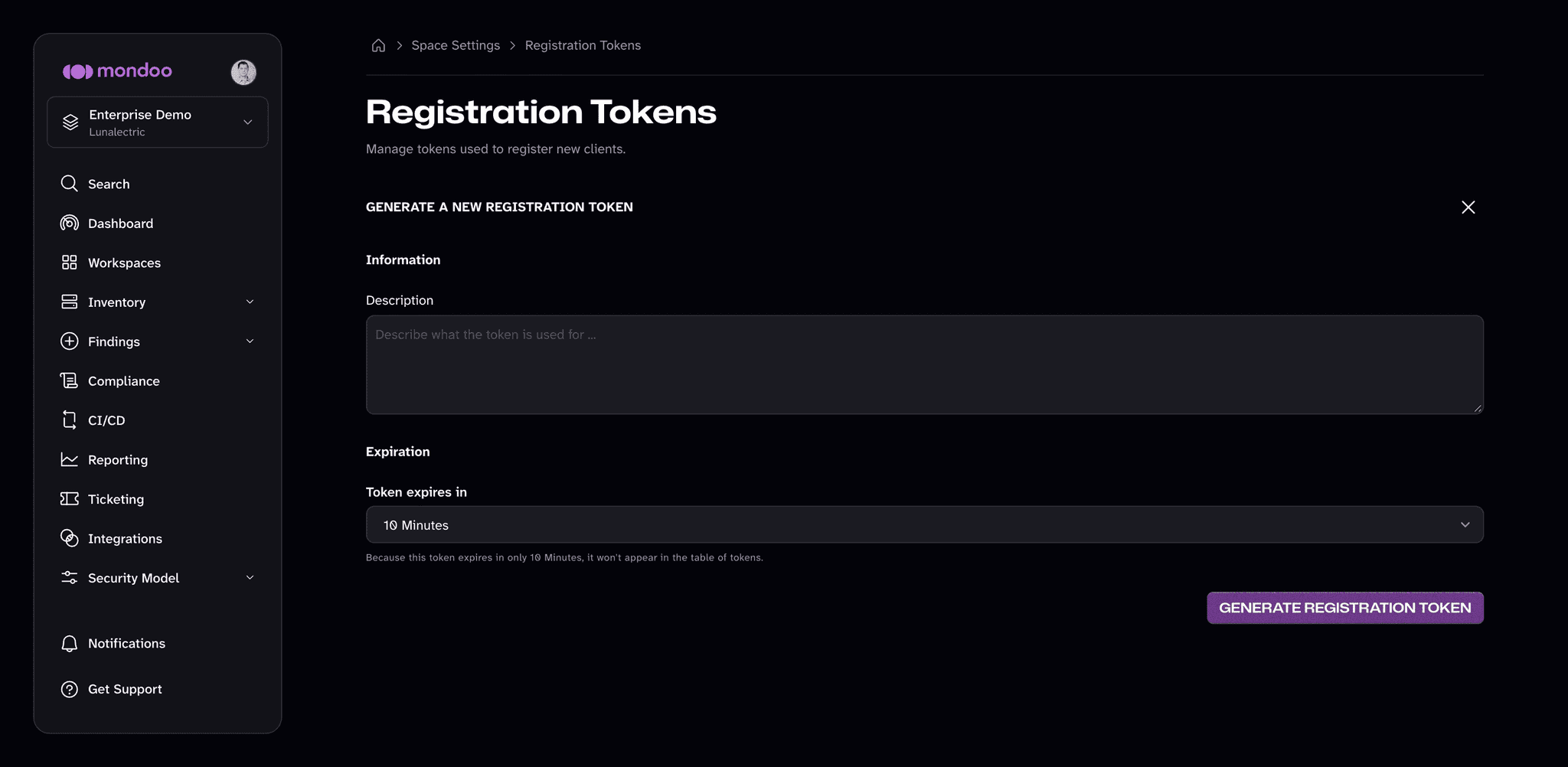
In the Description box, describe what the token is for, so you and your teammates can recognize it later.
-
In the Token expires in list, choose how long the token can register new agents: 10 Minutes, 30 Minutes, 1 Hour, 8 Hours, 24 Hours, 1 Week, or Non-Expiring.
-
Select GENERATE REGISTRATION TOKEN.
-
Copy the token. You won't be able to see it again.
Prefer short expirations for one-off registrations. Use a longer expiration only for automation that registers agents over time, such as a golden image or an autoscaling group.
View registration tokens
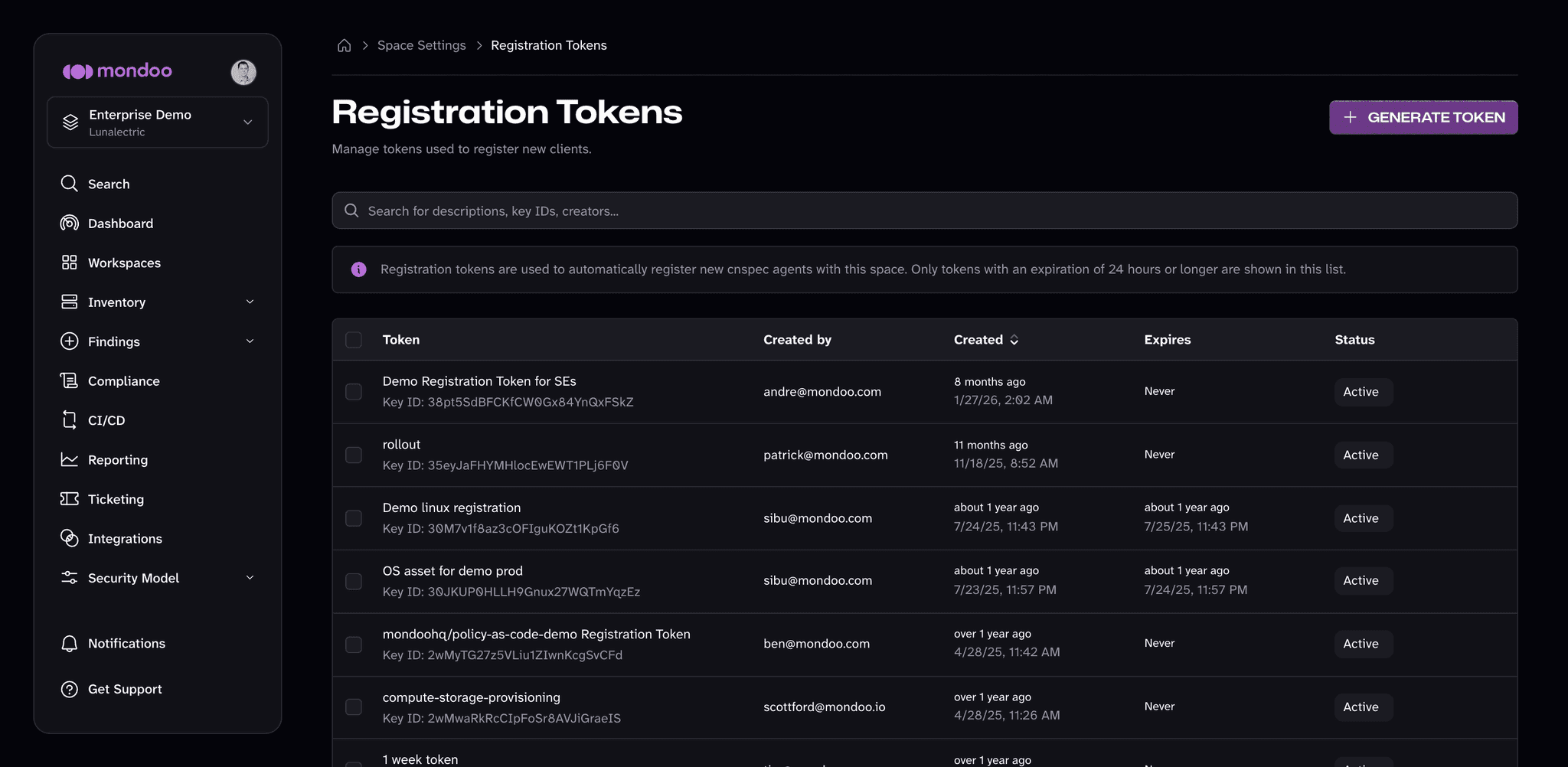
The Registration Tokens page lists each token's description and Key ID, who created it, when it was created, when it expires, and its status (Active or Revoked). The page lists only tokens with an expiration of 24 hours or longer; shorter-lived tokens never appear in the list.
Revoke a registration token
Revoking a token stops it from registering new agents. Agents that already registered with it keep working, because they use their own service account credentials.
-
Navigate to the space.
-
In the left navigation, select Settings, then Registration Tokens.
-
Select the token's Active status, then select Revoke and confirm.
To revoke several tokens at once, select the checkbox next to each one and select Revoke in the bar that appears.
Grant Keyless Access (WIF)
Use workload identity federation (WIF) to give external workloads secure, keyless access to Mondoo at the space, organization, or platform level. WIF eliminates the need for stored credentials by letting apps, services, and automation authenticate through trusted identity providers.
Manage Credentials
See, test, rotate, rename, and delete the third-party secrets that Mondoo integrations use to connect to other services.