Manage MondooManage Your User Settings
Enable Colorblind Mode in the Mondoo App
Switch to an accessible color palette in the Mondoo App.
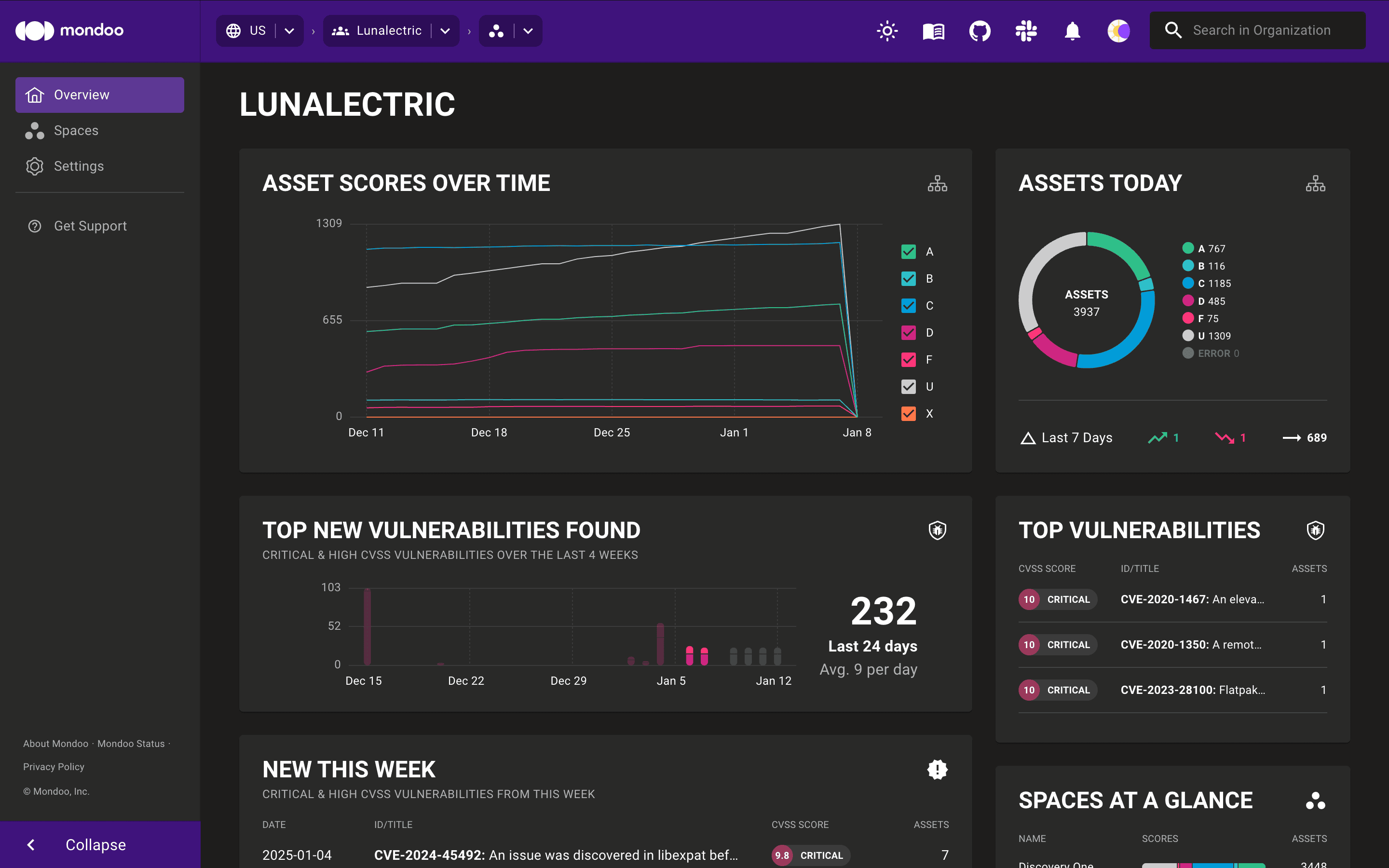
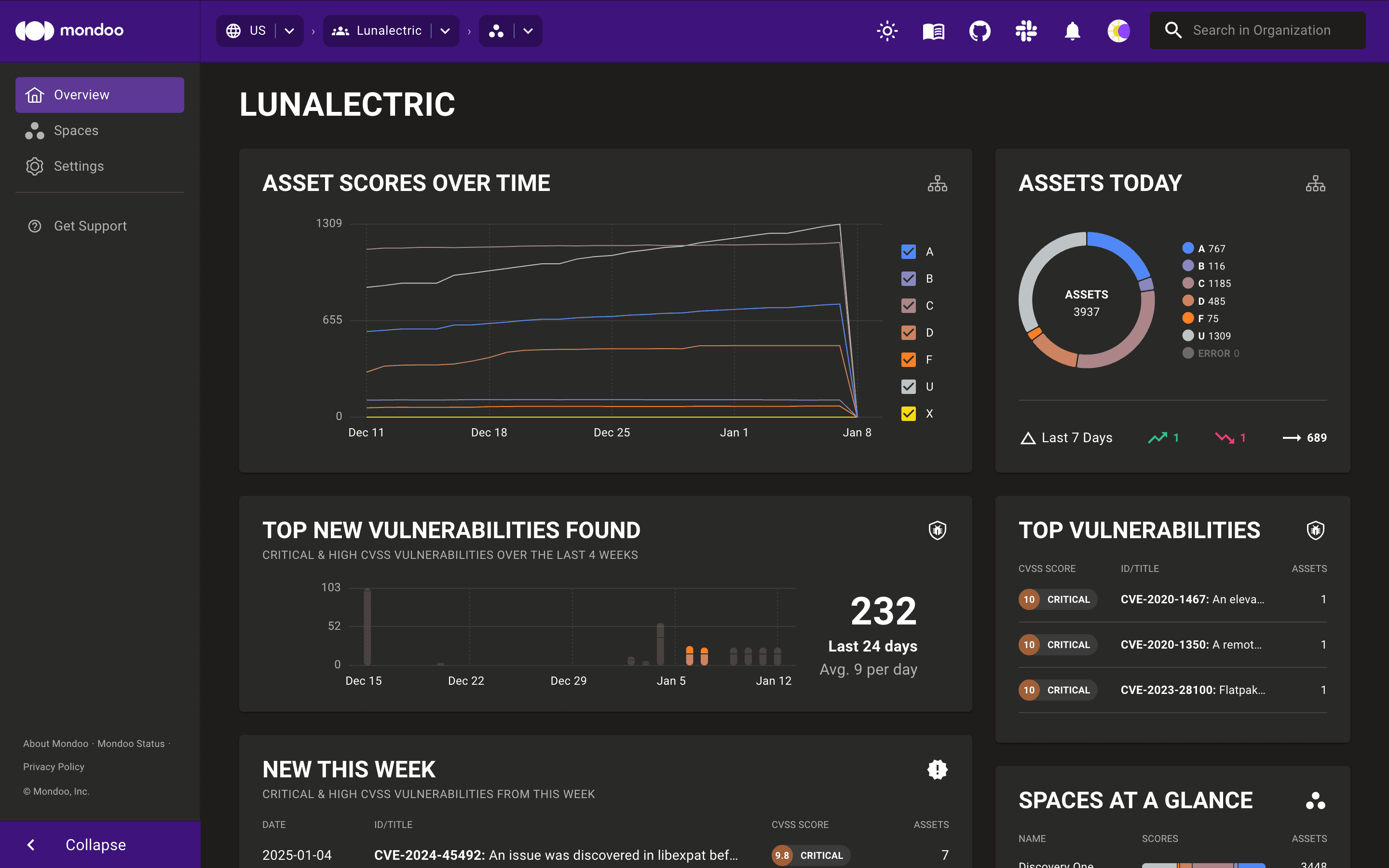
Colorblind mode swaps the Mondoo App's color palette for one designed to be readable with most types of color vision difference.
Default colors:
Colorblind mode:
To turn it on:
-
In the Mondoo App, select your user icon in the top-right corner.
-
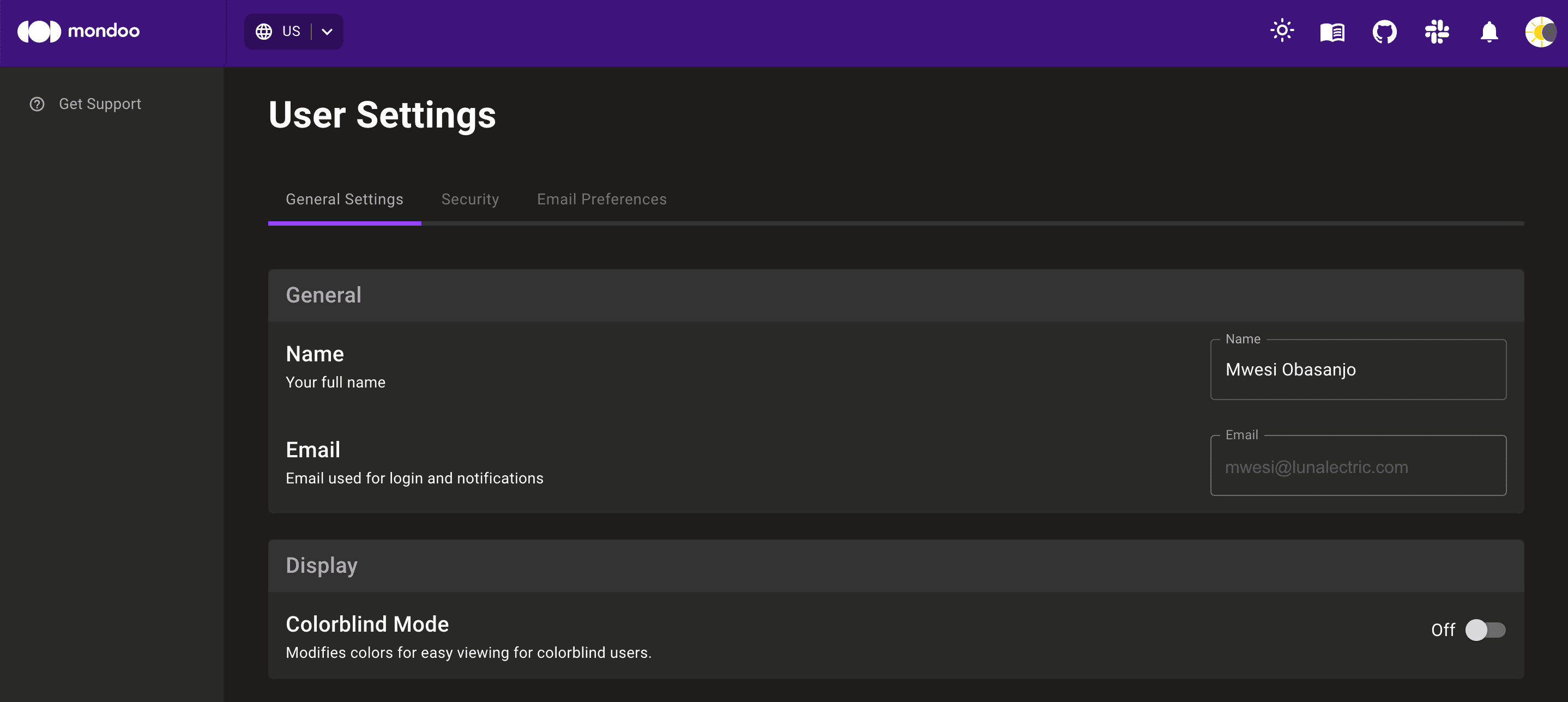
On the General Settings tab, find the Display options.
-
Toggle Colorblind Mode on (or off). Mondoo saves your choice automatically.
The sun and moon icons on the toolbar switch the app between light and dark mode, separately from colorblind mode.