Secure Oracle Cloud Infrastructure (OCI) with Mondoo
Continuously secure your Oracle Cloud Infrastructure (OCI) tenancy with Mondoo.
Mondoo continuously scans your OCI tenancy for misconfigurations and vulnerabilities. Create an OCI integration to give Mondoo the access it needs.
Prerequisites
- Editor or Owner access to the Mondoo space
- Access to an OCI tenancy
Create an OCI API key
Mondoo authenticates to OCI with an API key.
-
Log into the Oracle Cloud Console.
-
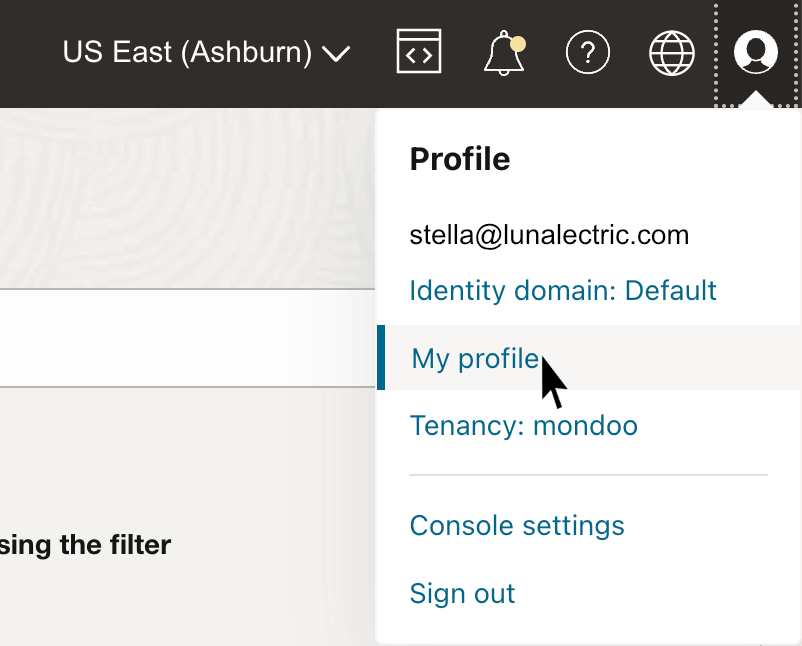
In the top-right corner, select your user profile icon, then My Profile.
-
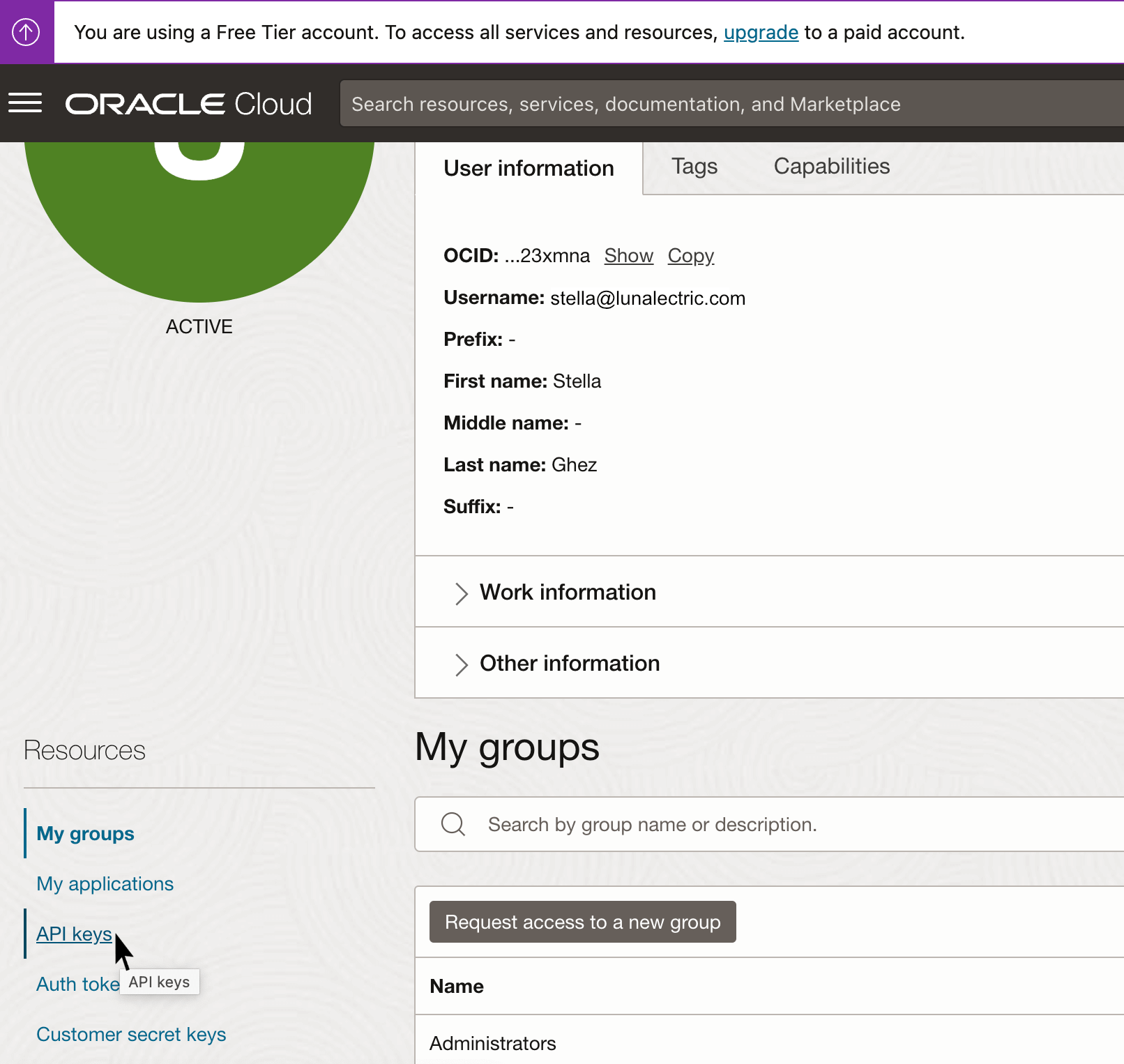
In the bottom-left Resources menu, select API keys, then Add API key. To learn more, read Required Keys and OCIDs in the OCI documentation.
-
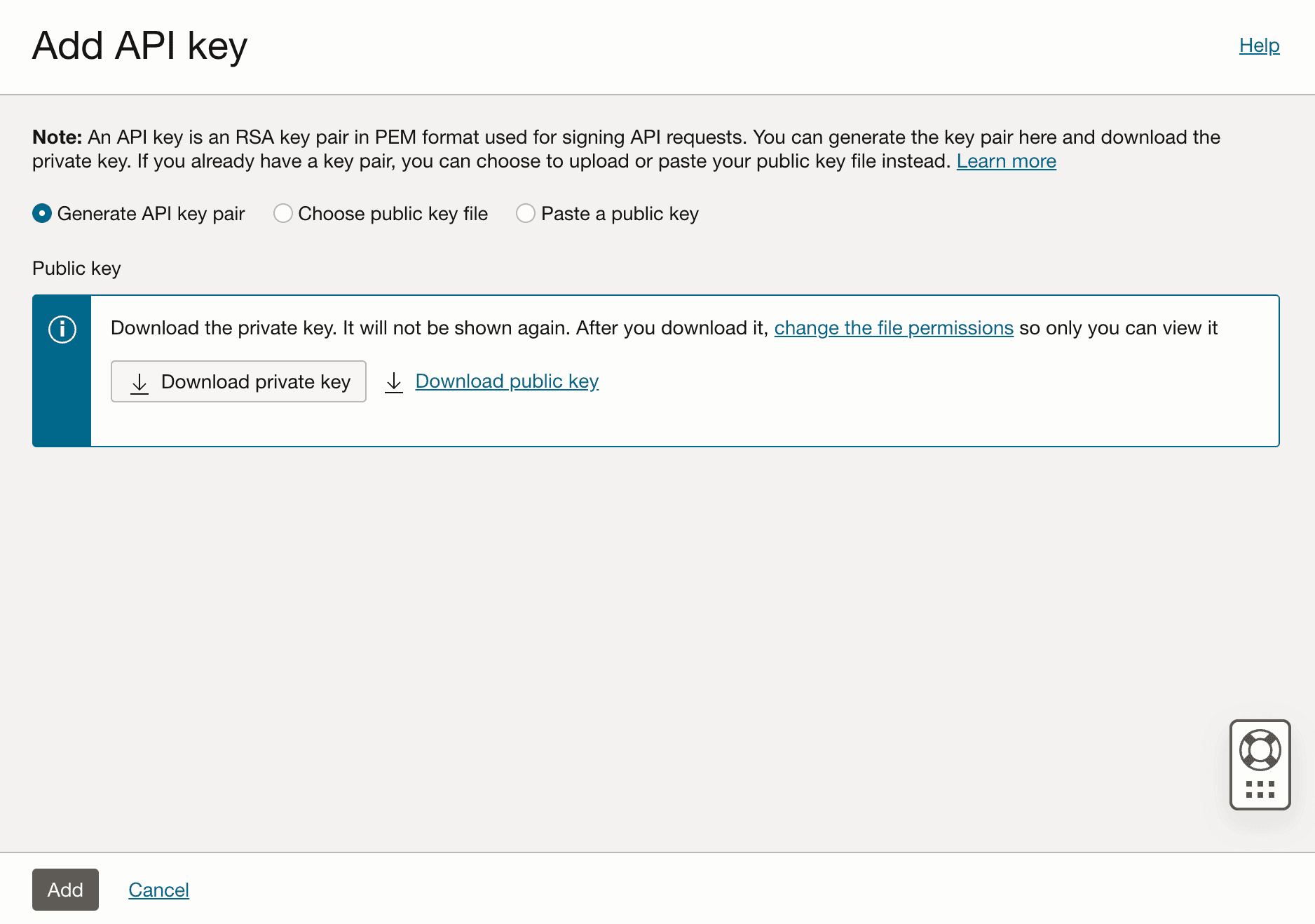
Select Download private key to download the PEM certificate.
-
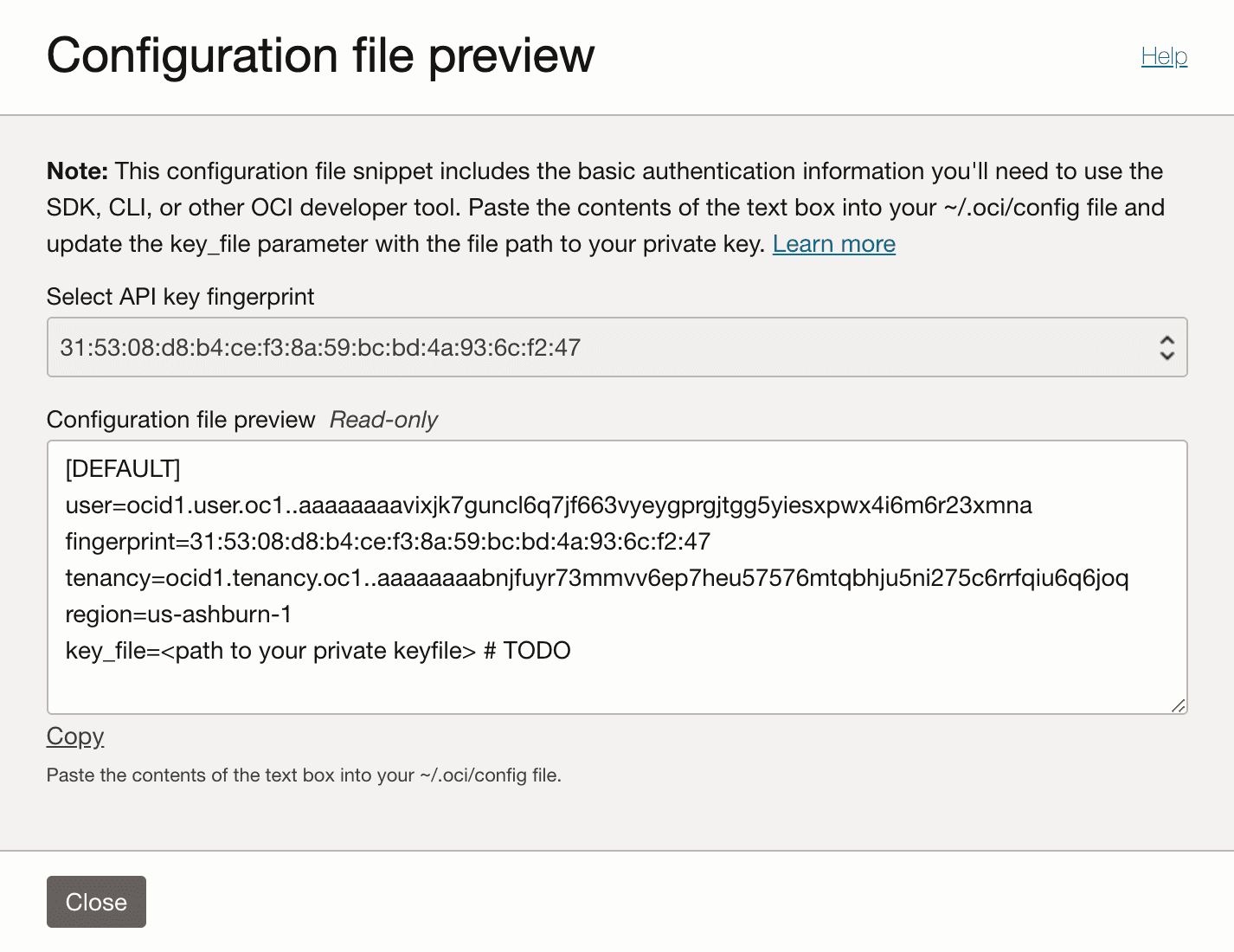
Select Add, then Copy to copy the configuration file snippet OCI displays. Keep both the snippet and the PEM file handy for the next section.
Add an OCI integration
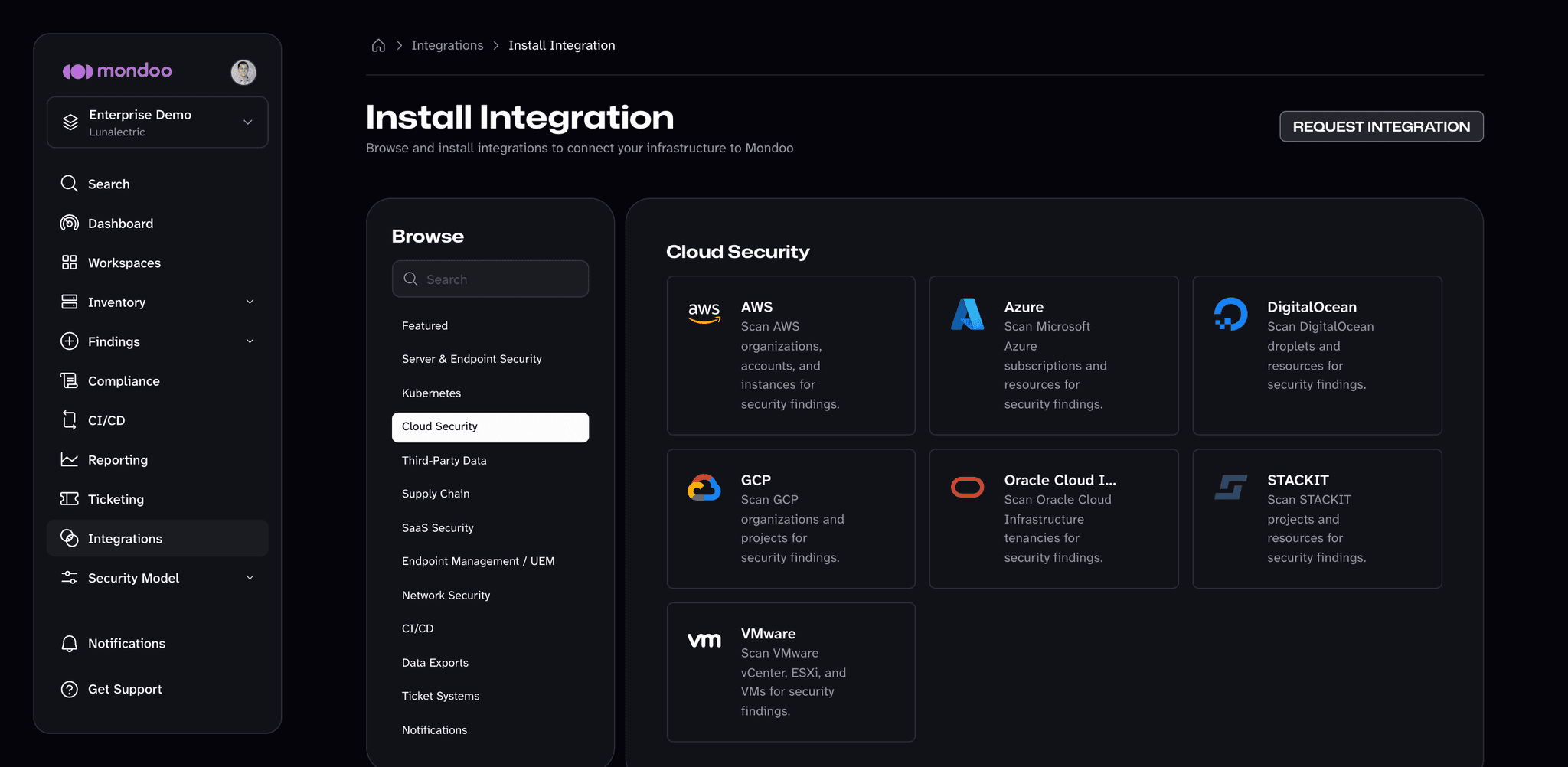
In the Mondoo App, navigate to the space where you want to add the integration. In the side navigation bar, select Integrations. In the top right, select INSTALL. On the Install Integration page, find the integration you want by browsing a category or searching by name:
-
Under Cloud Security, select Oracle Cloud Infrastructure.
-
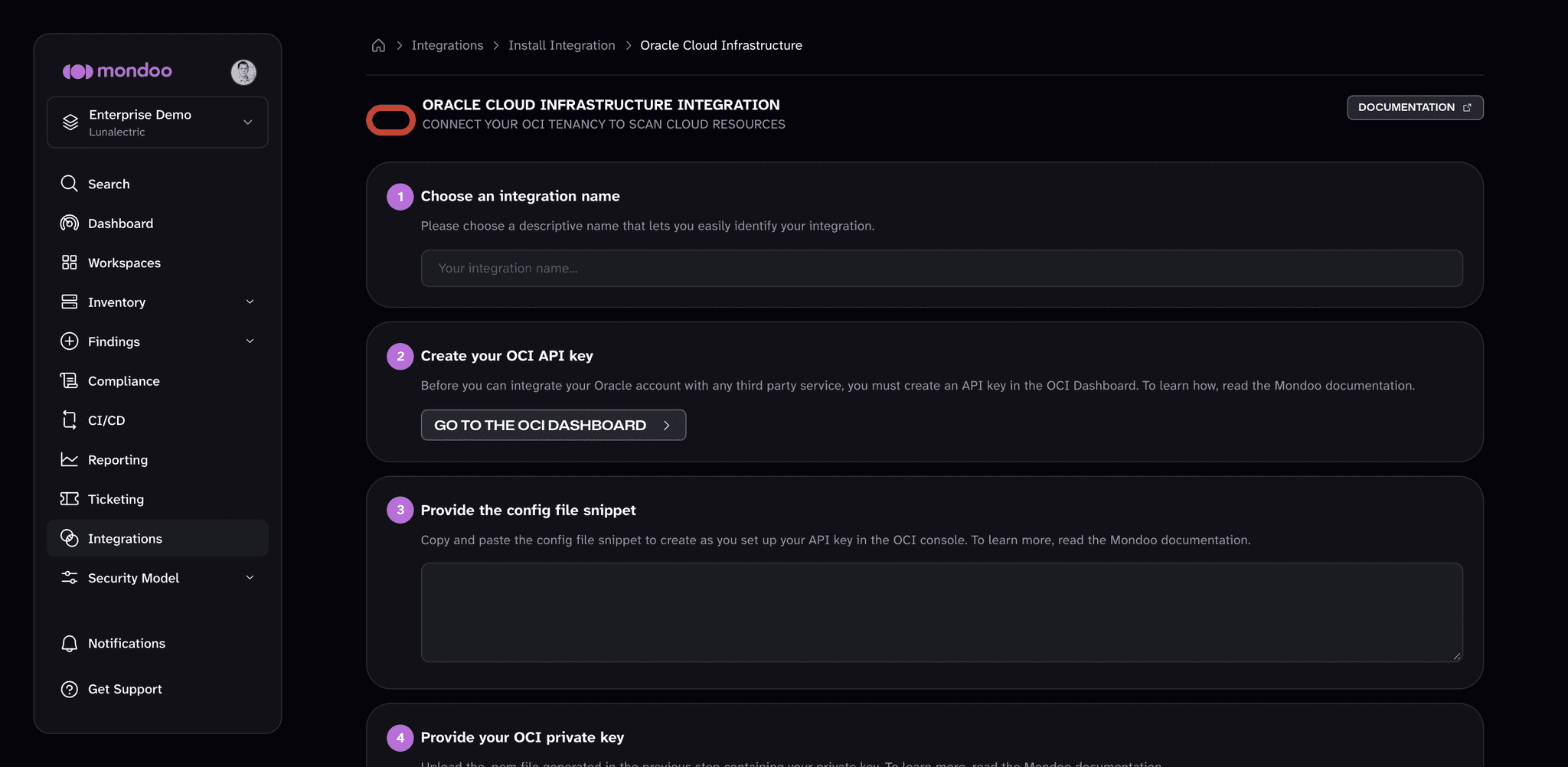
Under Choose an integration name, enter a name that identifies the OCI tenancy.
-
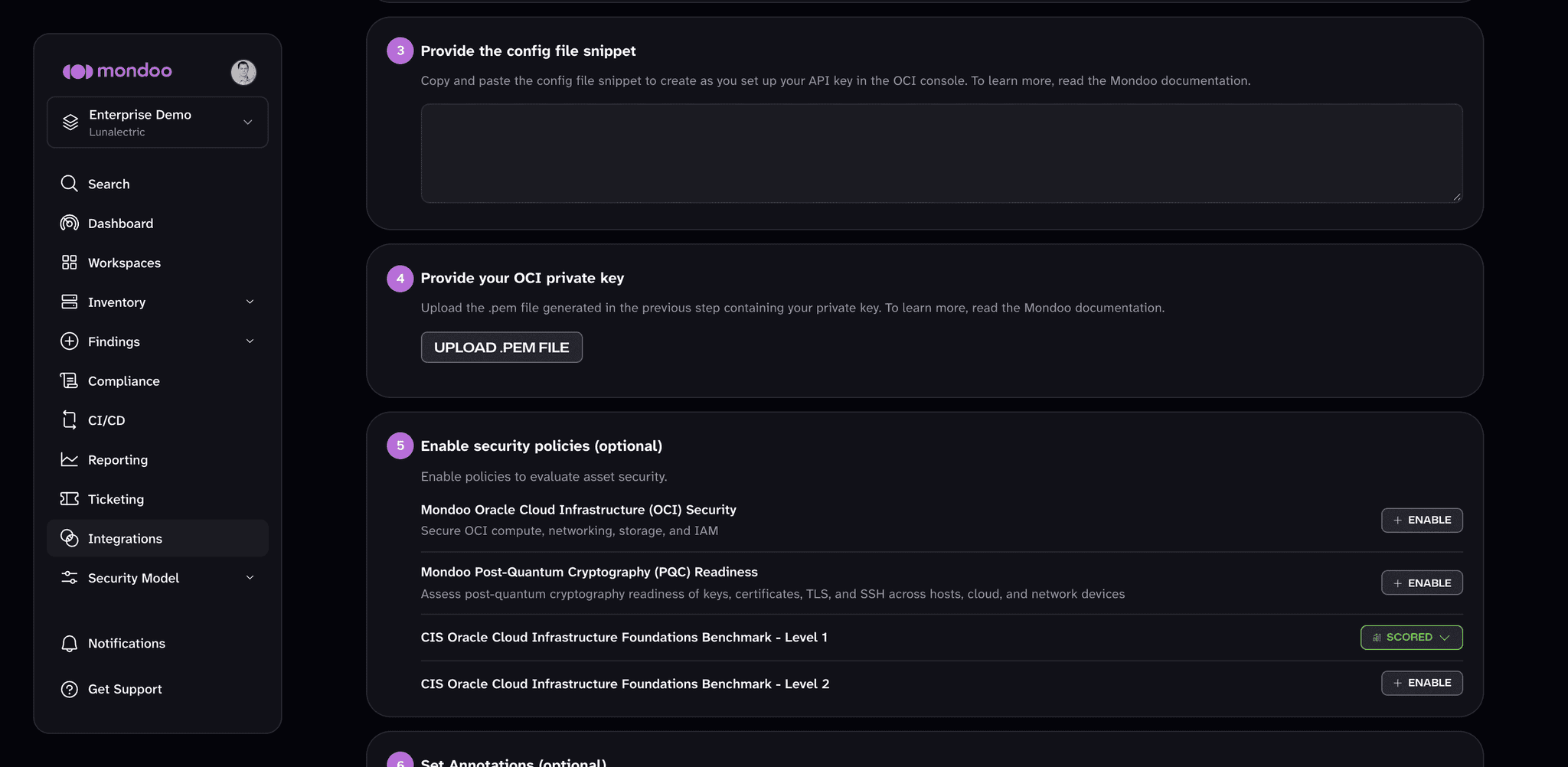
Under Provide the config file snippet, paste the configuration snippet you copied earlier.
-
Under Provide your OCI private key, select UPLOAD .PEM FILE and choose the private key file you downloaded.
-
(Optional) Under Enable security policies (optional), enable the policies you want Mondoo to score the tenancy against. You can change them at any time. To learn how policies work, read Manage Policies.
-
(Optional) Under Set Annotations (optional), select + ADD ANNOTATION to add key-value pairs that Mondoo applies to every asset this integration discovers.
-
Select START SCANNING.
Manage your integration
To open the integration, navigate to the space and select Integrations in the side navigation bar. Select the Oracle Cloud Infrastructure card, then choose the integration.
The status appears on the integration page under Integration Details:
| Status | Meaning |
|---|---|
| active | The integration is healthy and scanning. |
| error | Mondoo detected an error during a scan attempt. |
At the top of the integration page, select RUN to request a fresh scan, or select the ... (more integration actions) button and then Pause to stop scheduled scans (Resume starts them again). To change the integration's settings, select the edit (pencil) icon.
To remove the integration, select the trash can icon, then select DELETE in the Remove Integration dialog. Mondoo stops scanning the OCI tenancy.