Scanning
Scanning
Run xgrep against your code — the CLI surface, output formats, supported languages, file selection, and Semgrep parity.
Scanning
Everything about running a scan with xgrep:
- CLI reference — flags and subcommands.
- Output formats — text, JSON, and SARIF.
- Supported languages — tree-sitter and regex-only coverage.
- SAST by language — what xgrep detects in each language.
- File filtering — which files get scanned and how to control it.
- Secrets scanning — find committed credentials (on by default).
- Semgrep compatibility — parity with OpenGrep/Semgrep.
Common recipes
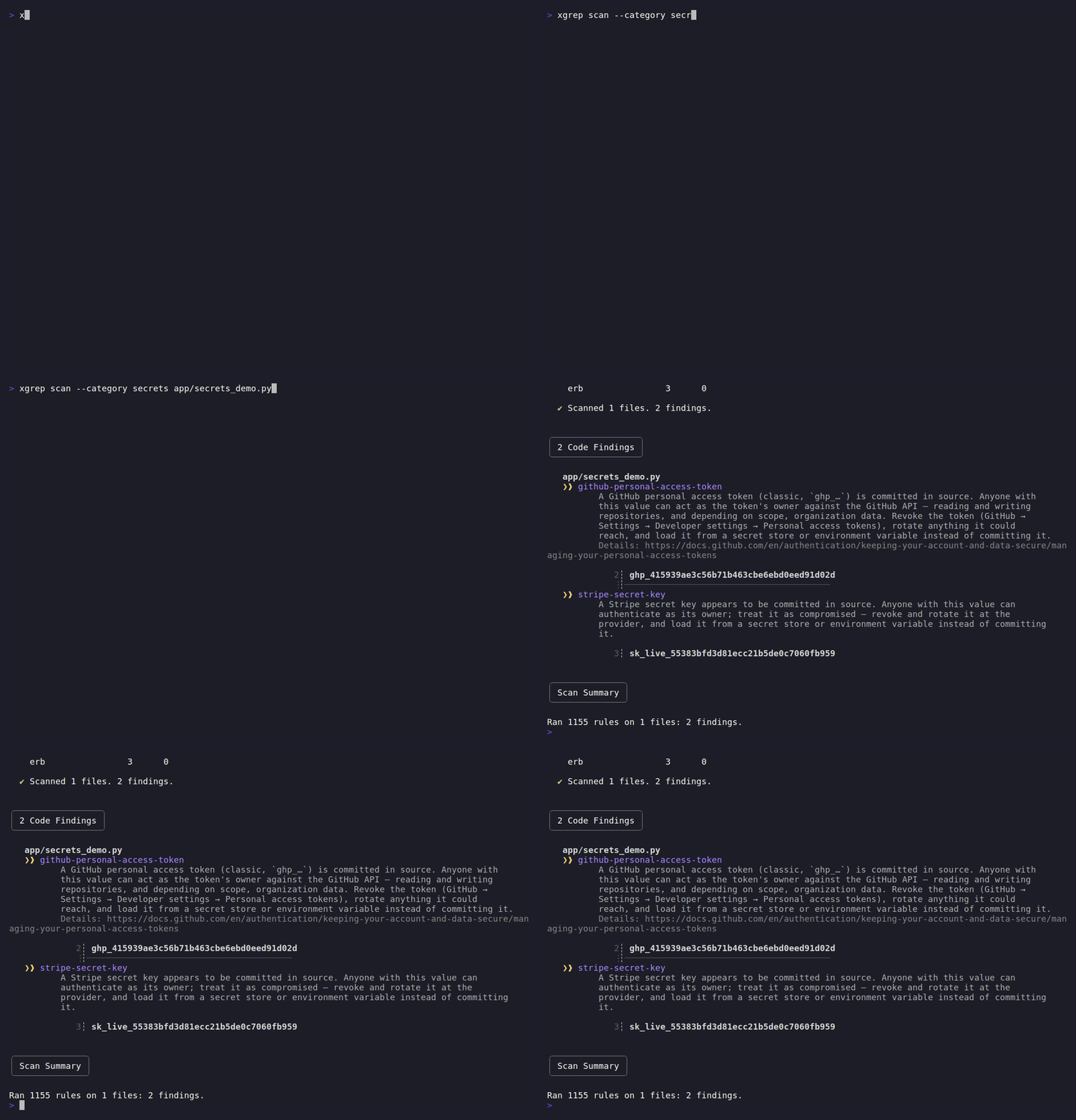
Secrets scanning runs by default alongside the security rules, so a committed credential surfaces without any extra flags:
# Default: run the built-in security + secrets rules over a directory
xgrep scan <target>

# High-signal, exploitable-only scan — recommended when embedding xgrep or
# scanning a focused executable surface (e.g. an AI-agent skill).
# Drops hardening/advisory findings (--subcategory vuln) and non-source trees
# such as tests/benchmarks/examples (--xgrepignore).
xgrep scan --category security --subcategory vuln --xgrepignore <target>

# Machine-readable output for tooling / CI
xgrep scan --json <target>

# Hunt secrets across the whole git history — including ones committed and later
# deleted (they still live in history and are still compromised).
xgrep --history --category secrets <repo>

# Find secrets hidden one encoding layer deep (base64/hex/url/gzip blobs).
xgrep --decode --category secrets <target>
See Secrets scanning for the full secrets story (history scanning,
decoding encoded payloads, validation, and what's detected),
CLI reference for the vuln
vs audit tiers, and File filtering for --xgrepignore.
To author the rules you scan with, see Rules.