Change a Policy's Scoring System
Change how a policy combines check results into an asset risk score within a space.
Mondoo combines the checks an asset passes and fails into a single 0-100 risk score (higher means more risk). How Mondoo combines those results is the policy's scoring system. You can change the scoring system for any policy in a space without affecting that policy in other spaces.
For a refresher on how asset scores work, read Asset and Space Risk Scores.
Check impact
Not every check matters equally. Each check has an impact in one of four bands: Critical, High, Medium, or Low. Impact is how much an asset's risk should rise when the check fails.
Examples:
- "Ensure Redshift clusters are not publicly accessible" is Critical. A publicly accessible cluster is a likely entry point.
- "Ensure IAM groups are used by assigning at least one user" is Low. Empty IAM groups don't materially increase risk.
Every scoring system uses check impact. The systems differ in how they weight failures.
Scoring systems
| Scoring system | How it works | When to choose it |
|---|---|---|
| Banded | Drops the score quickly as Critical checks fail, accounts for High and Medium failures, and guarantees a minimum score when no Critical or High checks fail. | Recommended for most customers. Best general-purpose balance of accuracy and stability. |
| Decayed | Lowers the score on a curve, proportional to its current value. Reacts strongly to Critical findings without crashing to zero as more checks fail. | Risk-averse teams that want a steeper response to Critical findings. |
| Highest impact | Looks only at the highest-impact band of checks. If any check at that impact fails, the asset's score is Critical. | Teams with a single hard line: any Critical-impact failure is unacceptable. |
| Average | Scores based on the percentage of checks passed and failed, weighted by impact. Can leave a relatively healthy score even when several Critical checks fail. | Optimistic, summary-style view. Less responsive to fixing individual issues. |
| Weighted average | Like Average, but also factors in the per-check weight set in the policy. Checks with higher weight pull the score more. | Policies that need finer per-check influence than impact alone provides. |

For the underlying math, read the Policy Authoring Guide | Score Policies.
Change a policy's scoring system
Every policy ships with a default scoring system encoded in the policy. You can override it per space.
For example, if an Azure policy defaults to Highest impact and that's too punitive for your Cloud Operations space, switch that policy to Banded in that space only.
Note: Requires Editor or Owner access to the space.
-
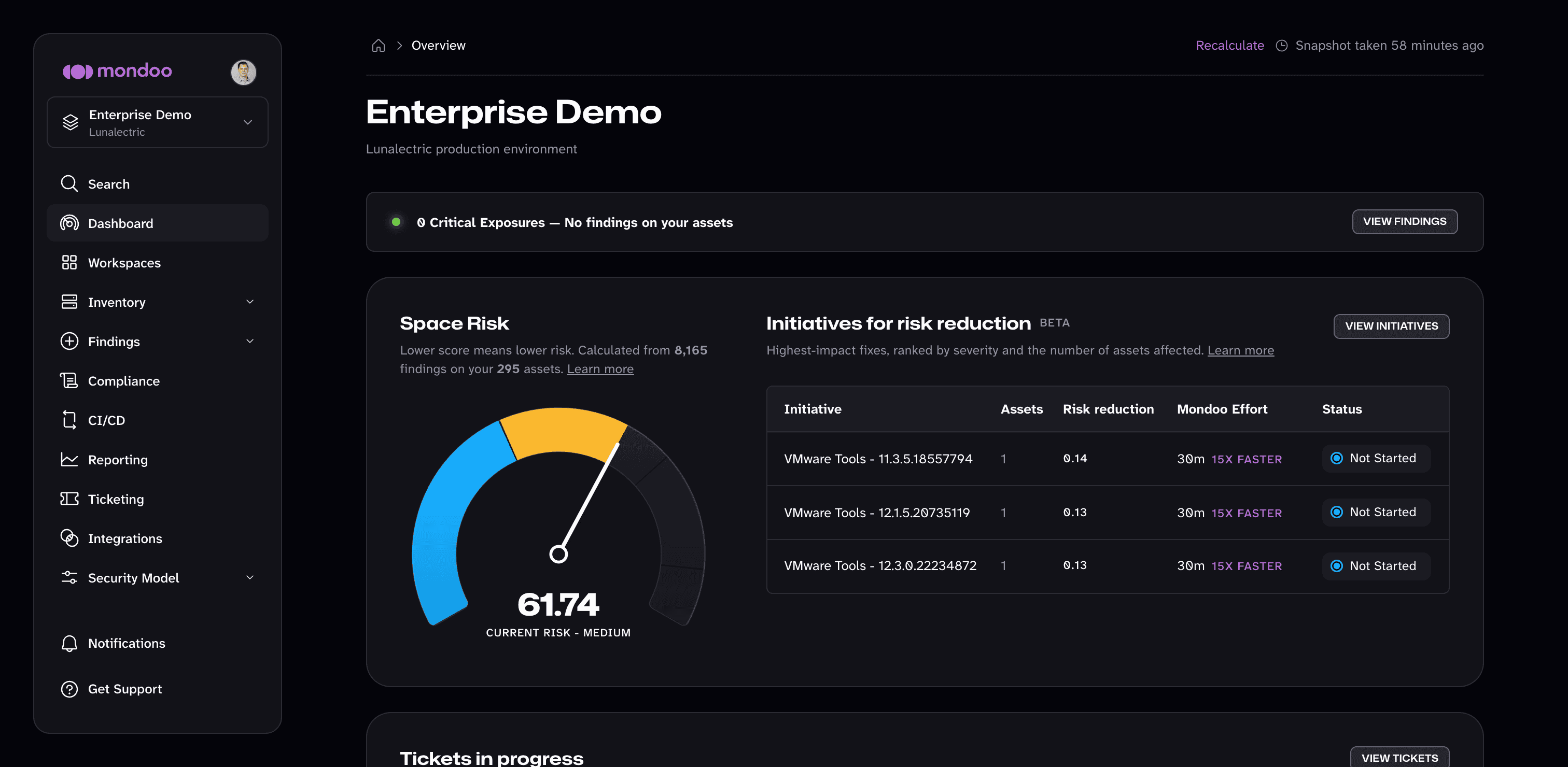
In the Mondoo App, navigate to the space.
-
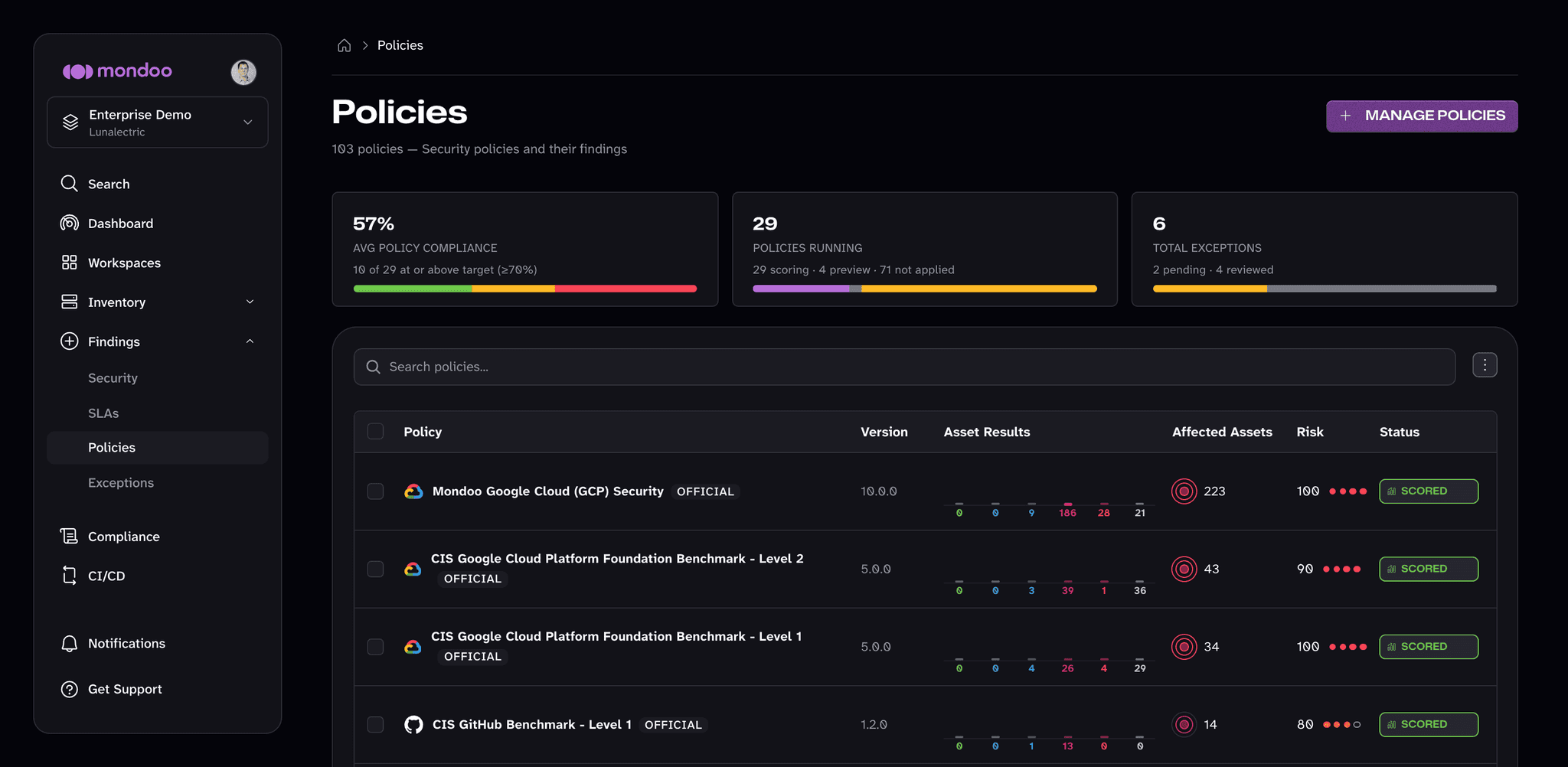
In the side navigation, under Findings, select Policies.
-
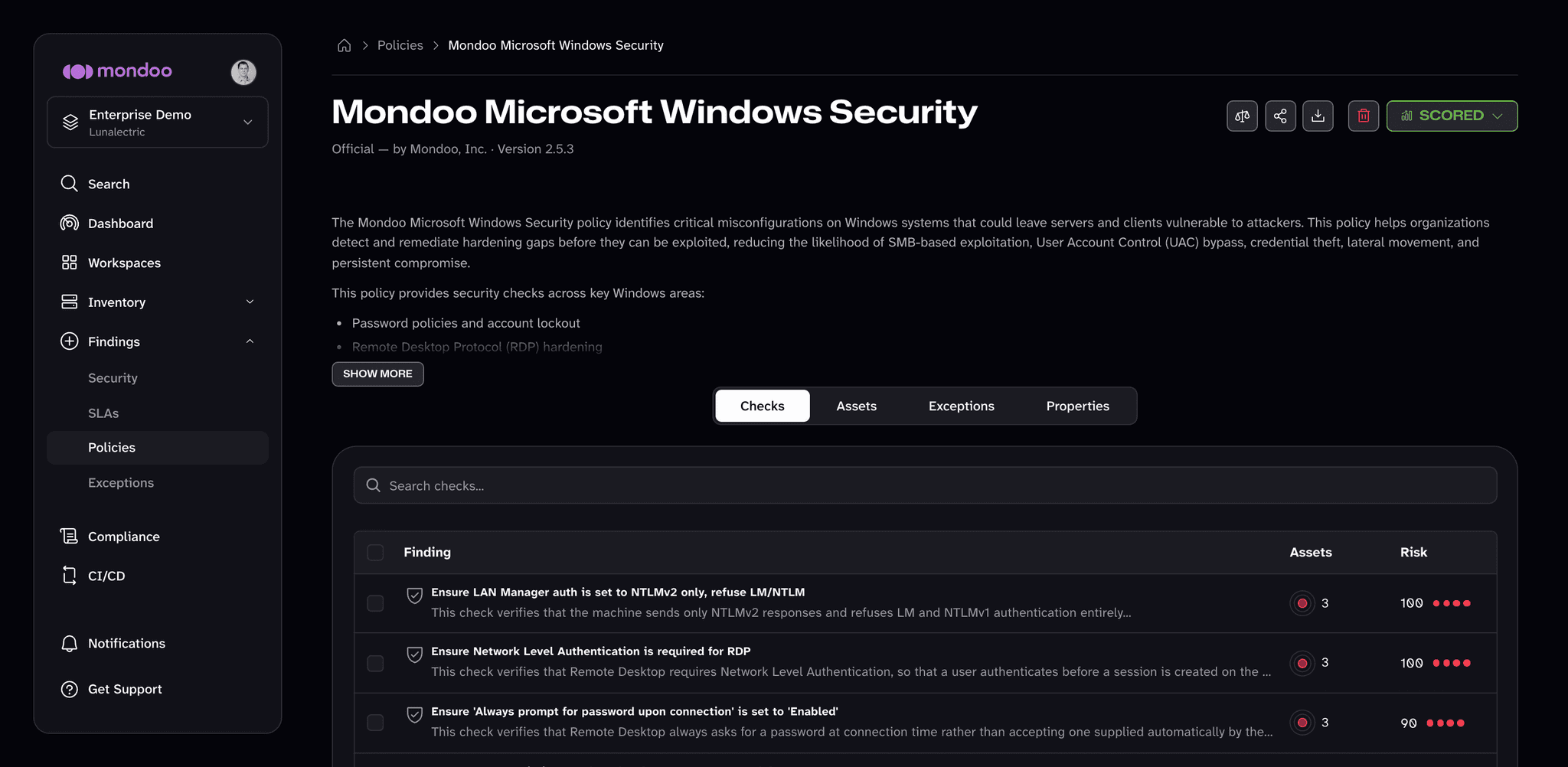
Select the policy you want to customize.
-
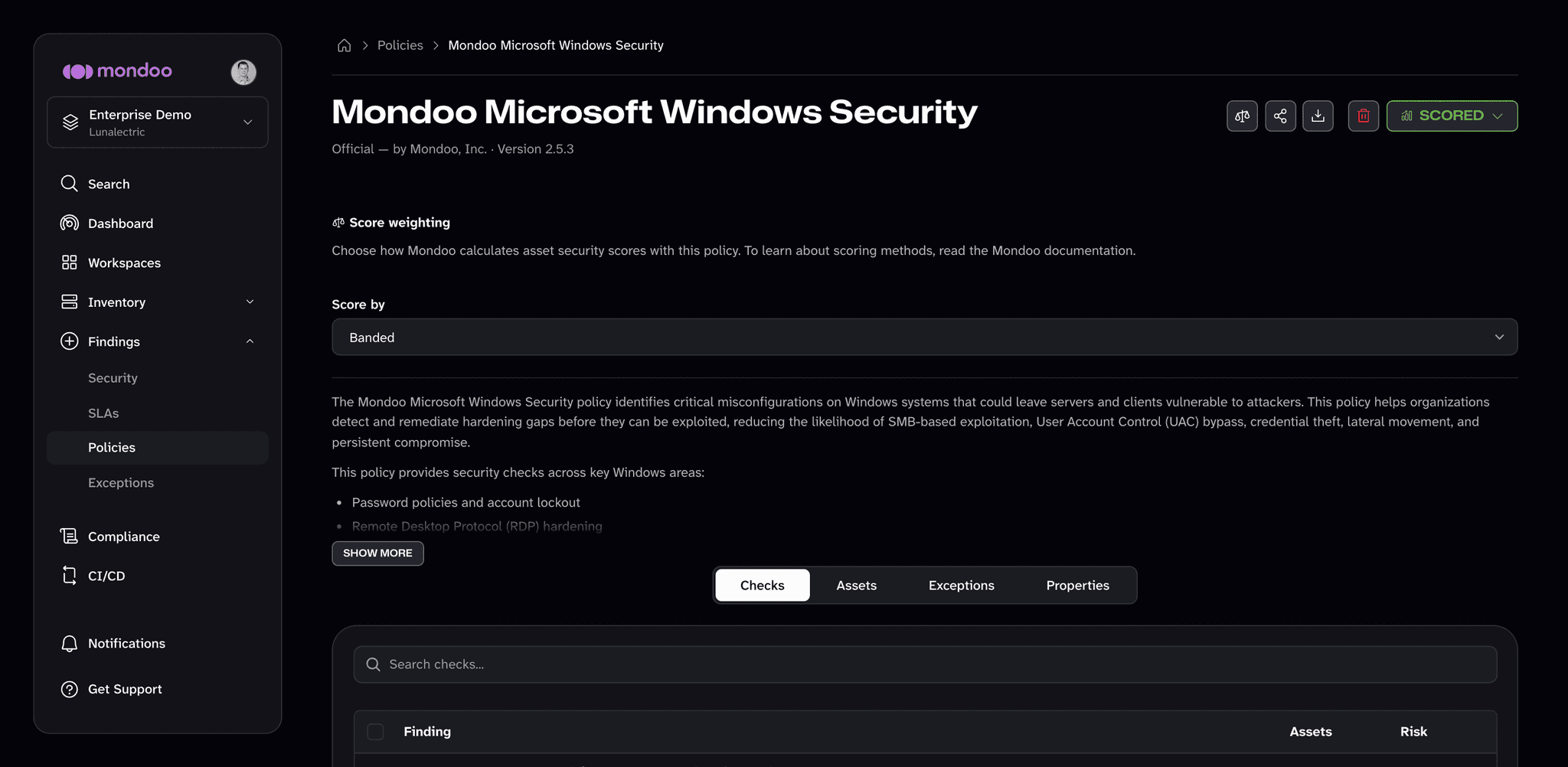
At the top right of the page, select the Score weighting button (the scales icon).
-
In the Score by drop-down, select the scoring system to use for this policy in this space. The option marked (Recommended) is the policy's default scoring system.
Mondoo saves the change as soon as you select it. The next scan uses the new system.