Set up keyless authentication with GitHub
To configure keyless authentication to Mondoo using GitHub as your WIF provider, you use a GitHub Actions workflow in a GitHub repository. Choose an existing repository in your GitHub organization or create a new one just for this purpose.
Prerequisites
-
Sufficient privileges in your GitHub repository to create and manage GitHub Actions workflows
-
Editor or Owner privileges in the Mondoo space to which your workload needs access
Step A: Create a workload identity provider in Mondoo
-
In the Mondoo Console, navigate to the space in which you want to set up keyless access for non-human users.
-
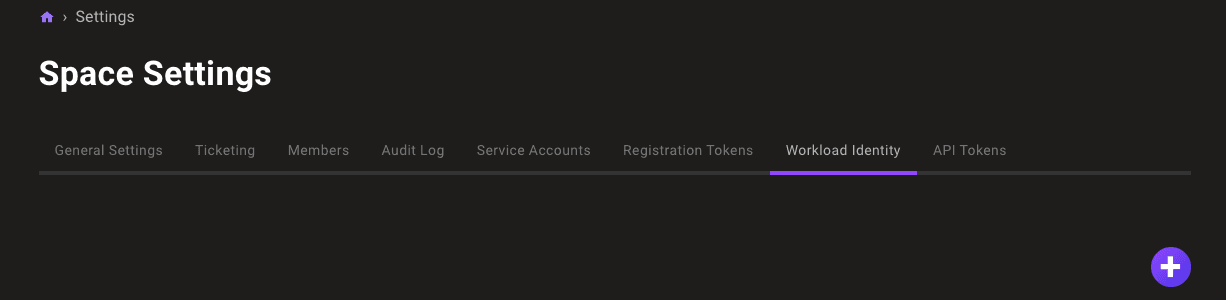
In the left navigation, select Settings. Then select the Workload Identity tab.
-
Select the ADD PROVIDER button or the plus (+) symbol near the top-right corner of the tab and select GitHub.
-
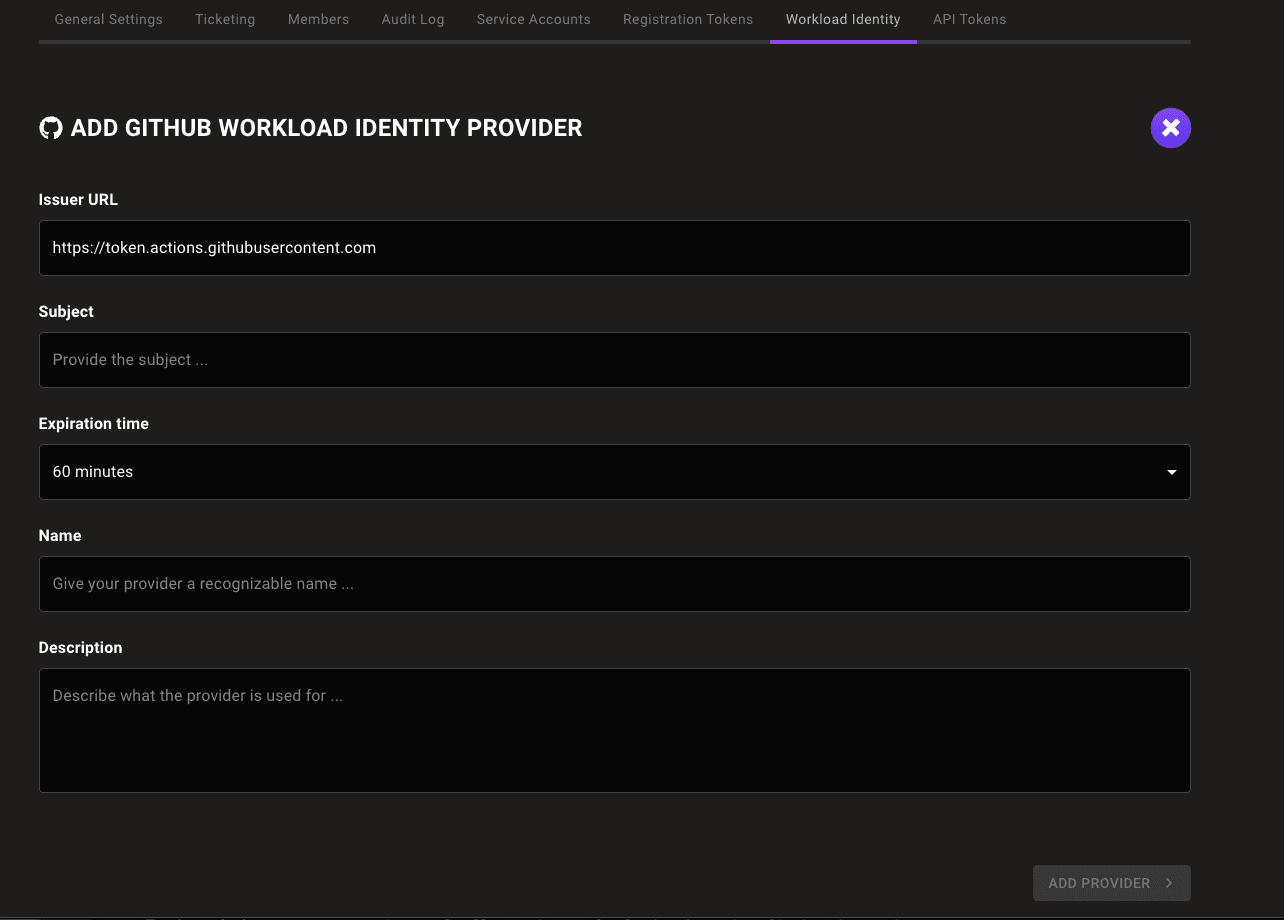
In the Issuer URL box, keep the default
https://token.actions.githubusercontent.com. -
In the Subject box, enter the organization and repository where you plan to create your GitHub Actions workflow.
-
In the Expiration time list, choose the duration of sessions authenticated with this WIF provider.
-
In the Name and Description boxes, provide a short name and longer description that help you and your teammates recognize the source and purpose of the workload identity provider.
-
Select the ADD PROVIDER button.
Mondoo generates and displays the configuration values that you need to give your workload access to your Mondoo space.
Step B: Create a GitHub Actions workflow
Create a GitHub Actions workflow in the repository you chose.
Set the id-token value to write.
Write the configuration values from Step A into a file, for example config.json.
Configure the workflow to run these commands:
export MONDOO_CONFIG_PATH=/path/to/config.json
cnspec status
if [ $(echo $?) != 0 ]; then echo "failed to reach mondoo"; exit 1; fi
# run the scan
cnspec scan| For... | Substitute... |
|---|---|
| AUDIENCE | The audience value Mondoo provided when you followed the instructions in Step A above |
| ISSUER | The issuer value Mondoo provided when you followed the instructions in Step A above |