Set up keyless authentication with GCP
Prerequisites
-
Sufficient GCP privileges to create and manage service accounts
-
Editor or Owner privileges in the Mondoo space to which your workload needs access
Step A: Prepare your GCP environment for WIF
-
Create a GCP service account. To learn how, read Create service accounts.
-
Go the Service account details page and note the service account's unique ID. You need this value when you configure the workload identity provider.
-
Assign the managed identity to a virtual machine or another resource where your workload runs. To learn how, read Create a VM and attach the service account.
Step B: Create a new workload identity provider in Mondoo
-
In the Mondoo Console, navigate to the space in which you want to set up keyless access for non-human users.
-
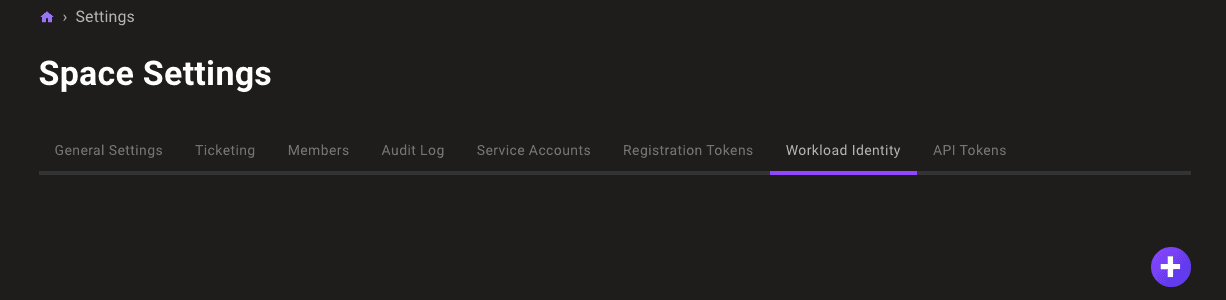
In the left navigation, select Settings. Then select the Workload Identity tab.
-
Select the ADD PROVIDER button or the plus (+) symbol near the top-right corner of the tab and select Google.
-
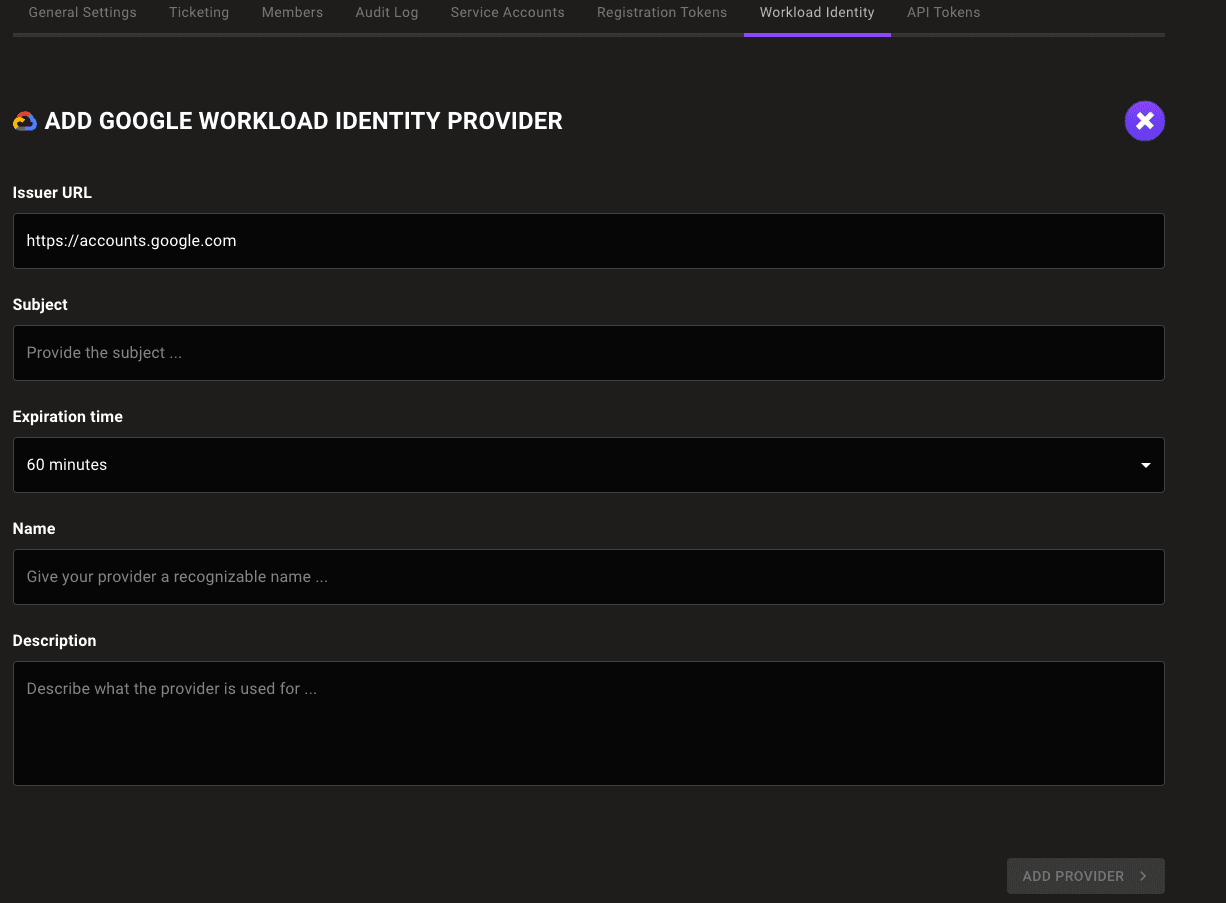
In the Issuer URL box, keep the default
https://accounts.google.com. -
In the Subject box, enter the unique ID of the GCP service account you created in Step A.
-
In the Expiration time list, choose the duration of sessions authenticated with this WIF provider.
-
In the Name and Description boxes, provide a short name and longer description that help you and your teammates recognize the source and purpose of the provider.
-
Select the ADD PROVIDER button.
Mondoo generates and displays the configuration values that you need to give your workload access to your Mondoo space.
Step C: Exchange your token for access to the Mondoo space
Fetch the local token:
curl -H "Metadata-Flavor: Google" "http://metadata.google.internal/computeMetadata/v1/instance/service-accounts/default/identity?audience=test"Make a curl call to exchange a local token for a short-lived Mondoo service account:
curl --request POST \
  --url 'UNIVERSE_DOMAIN/SecureTokenService/ExchangeExternalToken?=' \
  --header 'content-type: application/json' \
  --data '{
  "audience": "AUDIENCE",
  "issuer_uri": "ISSUER",
  "jwt_token": "TOKEN"
}'| For... | Substitute... |
|---|---|
| AUDIENCE | The audience value Mondoo provided when you followed the instructions in Step B above |
| ISSUER | The issuer value Mondoo provided when you followed the instructions in Step B above |
| TOKEN | The token fetched using the curl command above |
This call returns a Mondoo service account in the form of a base64_credential value, which your workload can use to access the Mondoo space by setting MONDOO_CONFIG_BASE64 to the returned value.