If you use the legacy access policy permission model for key vaults, this step is required.
A key vault access policy determines whether a given security principal (a user, application or user group) can perform different operations on key vault secrets, keys, and certificates.
-
From the Azure portal home, select Key vaults.
-
Select a key vault from the list.
-
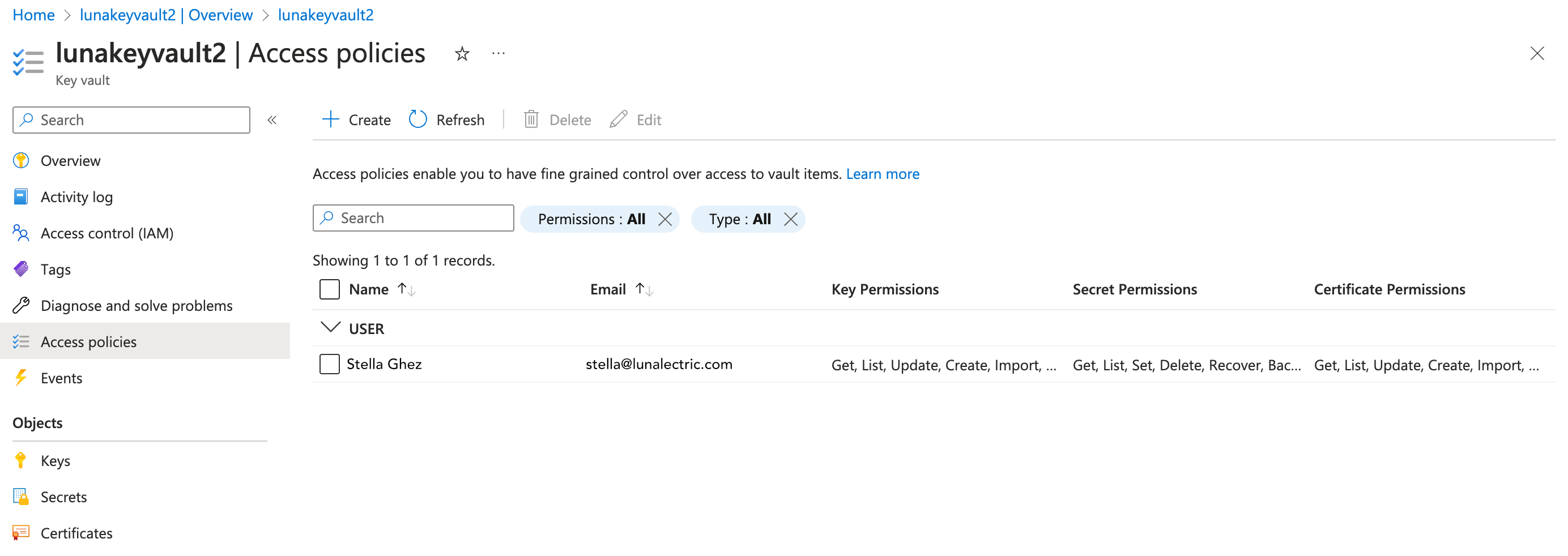
In the sidebar under the key vault name, select Access policies.
-
In the toolbar, select + Create.
-
Configure the permissions:
-
Under Key permissions, select Get and List.
-
Under Secret permissions, select Get and List.
-
Under Certificate permissions, select Get and List.
-
-
Select the Next button.
-
From the list, select the app registration you created.
-
Select the Next button and select the Next button again to skip the Application (optional) step.
-
Review the access policy and then select the Create button.